On May 7, 2026, students at hundreds of schools and universities opened Canvas to study for final exams and found a ransom note where the login page should have been. The extortion group ShinyHunters had defaced the Canvas login portals of roughly 330 institutions (https://www.bleepingcomputer.com/news/security/canvas-login-portals-hacked-in-mass-shinyhunters-extortion-campaign/), days after claiming it had stolen data on 275 million students and faculty across nearly 9,000 schools (https://krebsonsecurity.com/2026/05/canvas-breach-disrupts-schools-colleges-nationwide/). Instructure, the company behind Canvas, took the platform offline while many of those schools were in the middle of finals.
It was the most visible education attack of the year, but it was not unusual. Schools and colleges are among the most targeted organizations in the world, and the data on how attackers get in points to the same place again and again: people. That is an uncomfortable finding for institutions whose entire job is teaching, and also a hopeful one. Schools already know how to help people build skills that last. The fix is to apply what they teach to themselves.
How Often Are Schools and Universities Hit by Cyberattacks?
More often every year. Clever’s Cybersecure 2026 report (https://www.clever.com/wp-content/uploads/2026/03/Cybersecure-2026-Report-US-Clever.pdf), based on a survey of more than 500 K-12 technology and administrative leaders, found that 52 percent of U.S. school districts experienced a cybersecurity incident in 2025, up from 36 percent in 2024 and 31 percent in 2023. In two years, a breach went from something a district might face to something most districts have.
Higher education is in the same position:
- Verizon’s 2026 Data Breach Investigations Report (https://www.verizon.com/business/resources/reports/2026-dbir-public-sector-snapshot.pdf) counted 1,302 incidents in educational services, 1,252 of them with confirmed data disclosure, and found the human element in 68 percent of education breaches.
- Microsoft’s Digital Defense Report 2025 (https://www.microsoft.com/en-us/corporate-responsibility/topics/cybersecurity/reports/microsoft-digital-defense-report-2025/) found that research and academia accounted for 39 percent of all identity compromise incidents it observed in the first half of 2025, and 52 percent of observed password spray attempts.
- Just last week, the Technical University of Denmark disclosed that attackers used compromised user profiles to get into its identity system (https://www.dtu.dk/english/newsarchive/2026/10/cyberattack-on-dtu_notification-of-a-personal-data-breach) and downloaded data on up to 200,000 current and former students, staff, and guests, going back to 2003.
Recovery is also slower and more expensive in education than elsewhere. Sophos’s State of Ransomware in Education 2026 (https://www.sophos.com/en-us/blog/state-of-ransomware-in-education-2026) put the average cost to recover from a ransomware attack at $2.26 million, above the $1.7 million average across all sectors. And 31 percent of K-12 and other lower education providers needed at least a month to fully recover, more than any other sector Sophos surveyed.
Why Are Schools Such Easy Targets for Hackers?
Schools are built to be open, and that openness is exactly what attackers exploit. A few reasons come up across nearly every report:
- Huge, constantly changing user populations. Every fall brings thousands of new accounts for students, adjuncts, and staff, and every spring leaves behind accounts that nobody turns off. Microsoft points to decentralized IT, high user turnover, and inconsistent multifactor authentication as the reasons academia draws so many password attacks.
- Small security teams. Many districts have one or two IT staff members covering everything. Clever found that only 39 percent of districts with zero or one IT staff use automated monitoring, and 21 percent of lower-resourced districts rely mainly on staff, students, or families to report that something is wrong. Sophos found that 53 percent of higher education ransomware victims lacked the expertise to detect and stop the attack in time.
- Valuable data. Schools hold Social Security numbers, financial aid and payroll records, health information, research, and donor databases. Student identity theft is now the top concern for 54 percent of U.S. districts, according to Clever, and children’s identities are especially valuable because the theft can go unnoticed for years.
- Shared platforms. Districts run on the same handful of learning, student information, and identity systems. Clever found vendor-related incidents rose from 4 percent of district incidents in 2023 to 32 percent in 2025, much of it fallout from breaches like PowerSchool’s in late 2024. As Canvas showed, one compromised platform can reach thousands of schools at once.
- Predictable calendars. The Center for Internet Security’s 2025 K-12 report (https://www.cisecurity.org/about-us/media/press-release/center-for-internet-security-releases-k-12-cybersecurity-report) found that attacks surge during high-stakes periods like exams. Attackers know when schools can least afford downtime, as the timing of the Canvas defacement showed.
How Do Attackers Actually Get Into Schools?
Mostly through people. Clever found that phishing, through deceptive emails, texts, and calls, accounted for 74 percent of incidents reported by U.S. districts. Sophos found that identity-based techniques such as malicious email, phishing, and stolen credentials started 85 percent of ransomware attacks on education providers, compared with 79 percent across all sectors. Malicious email alone was the leading root cause for both lower education (31 percent) and higher education (29 percent). The Center for Internet Security found that cybercriminals target human behavior at least 45 percent more than technical vulnerabilities in K-12.
To be fair to the data, not every breach starts with a person. The 2026 DBIR found that exploited vulnerabilities were the most common initial access route in education breaches (34 percent), ahead of phishing (22 percent), and it highlights a 2025 campaign against a flaw in Oracle’s E-Business Suite that compromised more than 100 organizations, many of them in education. Patching matters. But even when attackers get in through a flaw, stolen credentials usually do the rest: the DBIR found them in 65 percent of education breaches that involved hacking.
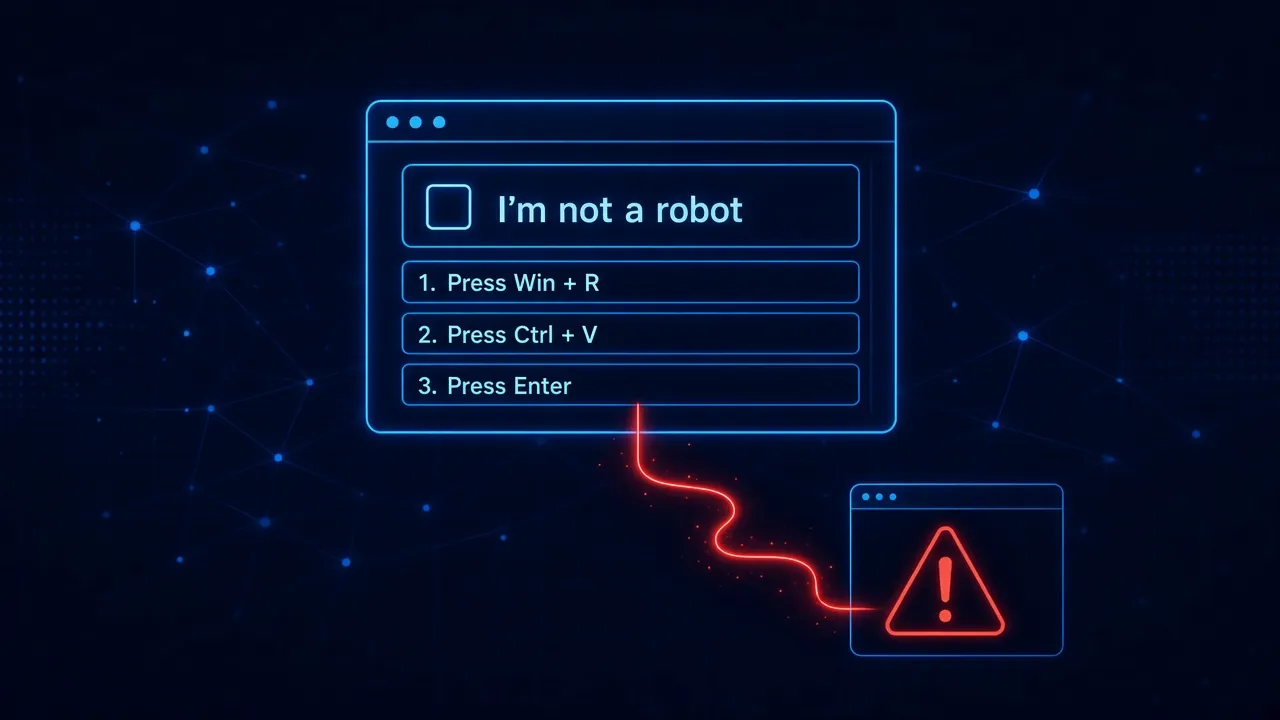
Some of the most damaging attacks on universities did not involve email at all. In late 2025, attackers got into fundraising and alumni systems at Harvard, Princeton, and the University of Pennsylvania, and at Harvard and Princeton it started with a phone call. Harvard said its alumni and development systems were accessed as a result of a phone-based phishing attack (https://www.huit.harvard.edu/news/2025/11/recent-cybersecurity-incident-information-and-faq), and Princeton reported that a phone phishing call to an employee with ordinary access (https://www.acronis.com/en/blog/posts/ivy-league-universities-under-siege-the-cyberattacks-targeting-harvard-princeton-and-penn/) exposed its advancement database. Researchers tracking the campaign describe the playbook: the caller poses as IT support and walks the employee to a fake copy of the university’s own sign-in page (https://www.bankinfosecurity.com/harvard-upenn-data-leaked-in-shinyhunters-shakedown-a-30677), which captures the password and the multifactor code in real time. We have written about how this phone-to-browser handoff works in more detail.
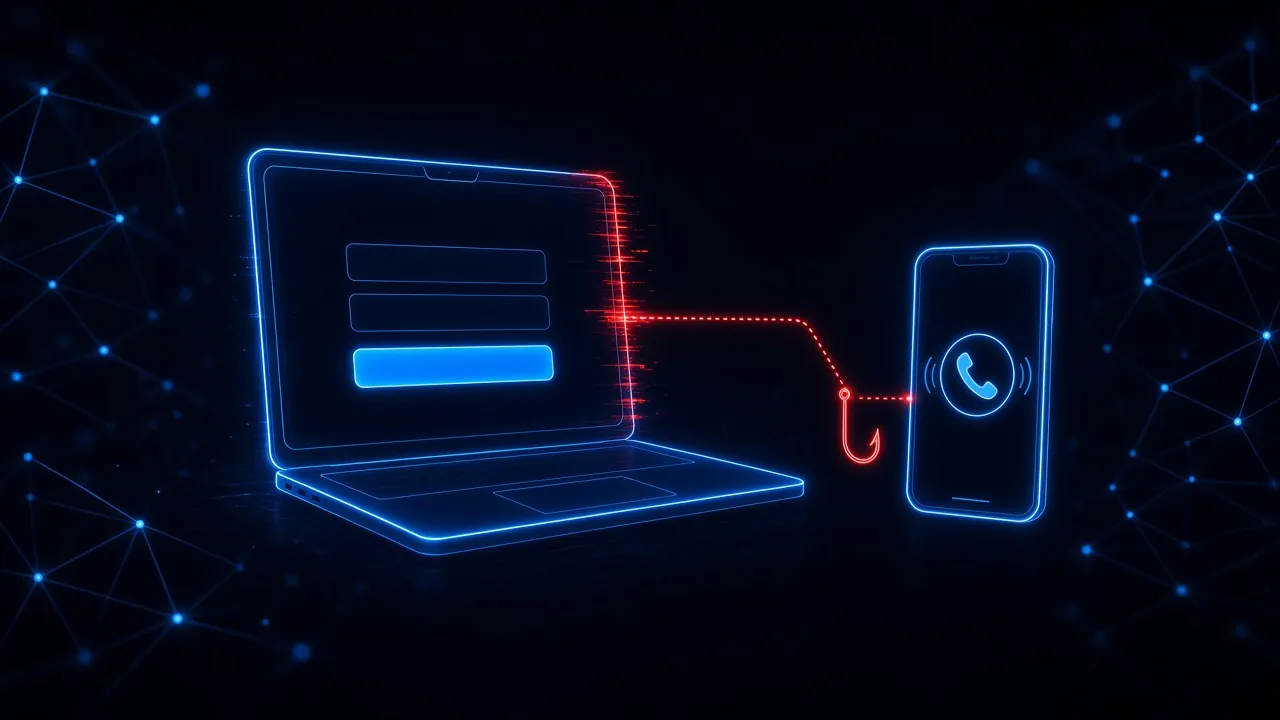
That playbook is also why multifactor authentication alone is not enough. Sophos found that 98 percent of education providers hit through compromised credentials had some form of multifactor authentication turned on. The most common methods were push notifications (64 percent) and one-time codes (53 percent), both of which an attacker running a fake sign-in page can capture or trigger in real time. And students are barely covered at all: Clever found that about 13 percent of students use multifactor authentication, compared with 93 percent of teachers.
Why Does One School Data Breach Lead to More Phishing?
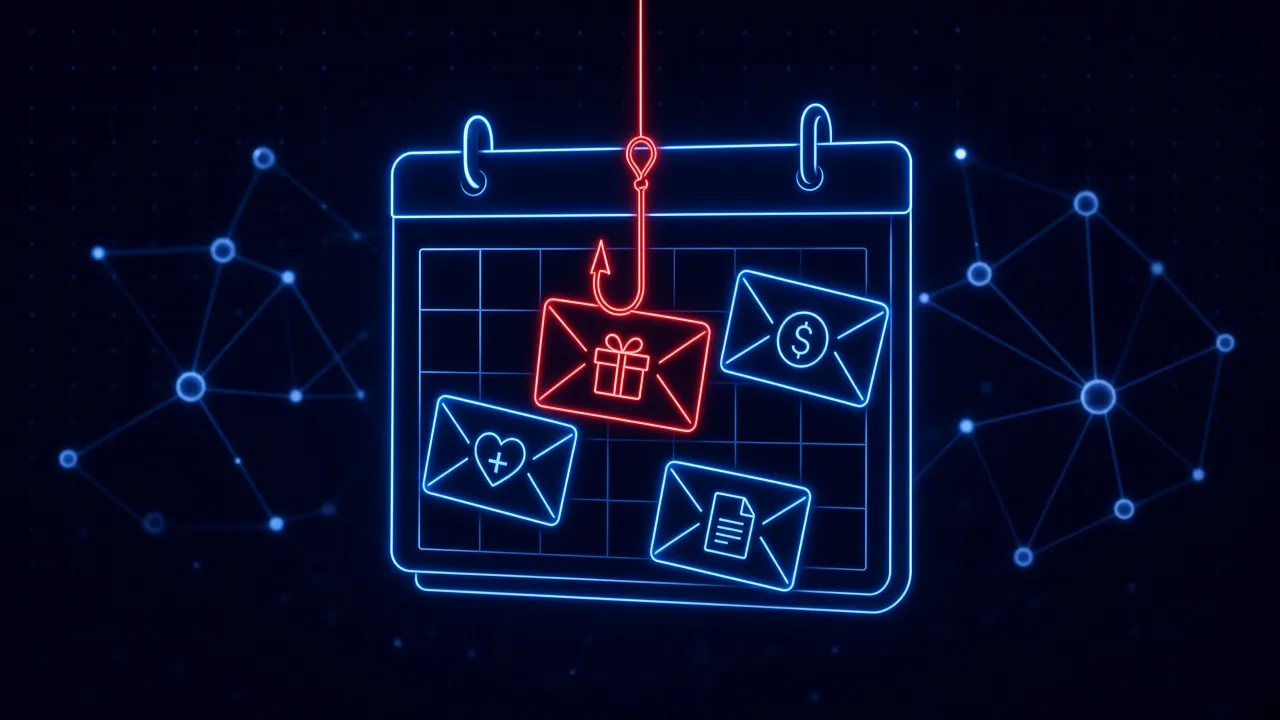
Because stolen data makes the next lure believable. Instructure confirmed that the Canvas breach exposed names, email addresses, student ID numbers, and some private messages (https://www.bitdefender.com/en-us/blog/businessinsights/technical-advisory-shinyhunters-breach-instructure-canvas-lms). As Bitdefender put it in its advisory, a generic “Canvas password reset” email is easy to spot, but one that references a real course, quotes a private message, or includes the recipient’s actual student ID establishes false credibility. DTU gave its students and staff the same warning: the stolen information could make phishing attempts more convincing.
After any breach at a school or one of its vendors, expect a wave of messages about password resets, financial aid, tuition refunds, payroll changes, and course updates, each one using details the attacker already has. The people receiving them need to know that a message knowing their student ID or their professor’s name proves nothing.
What Can Schools Learn From Their Own Classrooms About Security Training?
Here is the irony. Schools are the organizations that understand learning best. Every teacher knows that cramming the night before an exam does not produce lasting knowledge, that practice spaced out over time does, that feedback works best right after a mistake, and that students learn more when it is safe to get things wrong. Then many of those same institutions train their own staff on security with one compliance video during August in-service week and a completion deadline.
That approach fails for the same reasons cramming fails. Research on phishing training shows awareness fades within about six months, so a once-a-year session is worn off by the time spring exams and their phishing surge arrive. CISA’s K-12 Cybersecurity Foundations guide (https://www.cisa.gov/sites/default/files/2026-08/k-12-cybersecurity-foundations-implementation-guide.pdf) says that “all personnel at every K-12 organization should be formally trained,” including on avoiding suspicious links and on how to escalate suspicious activity, and that “preferably all students would receive age-appropriate training as well.” The question is not whether to train. It is whether to train the way schools already know works.
Applied to security, good teaching looks like this:
- Spaced practice instead of cramming. Short, realistic phishing simulations every few weeks build skill. An annual module only measures who finished it. Our guide on how often to run phishing simulations covers how to set a cadence without causing fatigue.
- Feedback at the moment of the mistake. A two-minute lesson shown right after someone clicks on a simulated lure, or right after they are stopped on a real fake sign-in page, sticks in a way a lecture weeks later does not.
- Low stakes. Teachers do not post failed quizzes on the hallway wall. Security programs should not either. Shame does not teach, and what happens after someone fails a simulation decides whether they report the next real attack or hide it.
- Teach to the real test. Practice the lures schools actually see: Canvas and student information system alerts, financial aid and payroll changes, “IT support” phone calls, and text messages. The DBIR found that simulated voice and text attacks get clicked about 40 percent more often than email.
- Differentiate instruction. Front office staff, business office staff, teachers, help desk technicians, and administrators face different attacks. Focus coaching on the people and lure types that are actually catching your staff out, not the same module for everyone.
A Cybersecurity Checklist for Schools and Colleges
For a district or campus with a small team, these steps cover the attacks the data says matter most:
- Move staff to phishing-resistant sign-in. Use passkeys or security keys for administrators, IT staff, and anyone with access to the student information system, finance, payroll, or advancement data, since a fake sign-in page cannot relay them.
- Lock down the help desk. Never reset a password or enroll a new multifactor device based on a phone call alone. Verify by calling back a number on file or confirming in person.
- Plan around the school calendar. Send short reminders right before back-to-school, financial aid season, payroll and benefits changes, and exam weeks, when attacks spike and staff are busiest.
- Warn people the day a vendor is breached. Tell staff, students, and families what the stolen data includes and show examples of the targeted messages to expect.
- Make reporting one click and say thank you. When a district relies on staff and students to notice problems, every report is an early warning. Celebrate reports, including reports of simulations.
- Patch internet-facing systems quickly. Exploited vulnerabilities are still the top entry point in the DBIR, especially in software that sits on the internet, like student information and enterprise resource planning systems.
- Protect the browser. The fake sign-in page is where phishing, phone scams, and breached-data lures all end up. That is the moment to step in, and it is why phishing protection cannot end at the inbox.
Security Awareness Is Education
Schools will keep being targeted. They hold valuable data, run on shared platforms, and cannot lock their doors the way a bank can. But the main way in, a convincing message to a busy person, is a problem that education is well suited to solve. Security awareness done right is not a compliance checkbox. It is teaching, with spaced practice, immediate feedback, and room to make mistakes safely. Schools already know how to do that. They just need to do it for their own people too.
How SavvyShield helps: SavvyShield is built for organizations that need strong protection without a large security team. Our browser extension analyzes pages in real time and steps in when a teacher or staff member lands on a fake sign-in page, whether the link arrived by email, text, or a phone call, and each blocked attempt becomes a short lesson. Realistic in-browser simulations run on an automatic schedule, and bite-sized training keeps skills fresh all year, so a small IT team is not stuck running a program by hand. Want a quick baseline for your staff? Try our free cyber savviness quiz.