For years, phishing prevention has centered on one moment: the click.
Security teams filter suspicious emails, run phishing simulations, and track how many employees open a malicious link. When someone clicks, it is often treated as the defining failure.
But a click is rarely the point where the real damage occurs.
The compromise usually happens afterward, when an employee enters a password, approves an authentication request, downloads a file, grants application access, follows a fake verification process, or provides sensitive information.
That distinction matters.
A user who opens a phishing link has encountered risk. A user who submits their credentials has crossed into compromise. The moments between those two events represent an opportunity for security teams to intervene.
Protecting employees at that point requires organizations to look beyond the inbox and into the environment where many modern attacks ultimately unfold: the browser.
The Inbox Is Often Just the Delivery Mechanism
Email remains one of the most common ways attackers reach employees, but it is no longer the only one.
A malicious interaction might begin with:
- A message in Microsoft Teams or Slack.
- A sponsored search result.
- A QR code.
- A calendar invitation.
- A shared cloud document.
- A social media message.
- A browser notification.
- A link sent from a compromised business account.
Despite the different delivery methods, many of these attacks eventually lead the employee to the same place: a browser-based page designed to look like part of their normal workday.
The page might resemble a Microsoft 365 login, a Google document, a file-sharing service, an invoice portal, a benefits system, or an internal company application.
This is why securing the inbox alone cannot eliminate human risk.
Email security can inspect messages and block known threats. However, attackers constantly change domains, redirect users through legitimate services, compromise trusted accounts, and create new pages that have not yet developed a malicious reputation.
Even a strong email security system will not stop every dangerous interaction.
The security strategy must account for what happens after a threat reaches the employee.
A Click Is Not the Same as a Compromise
Phishing is better understood as a sequence of decisions:
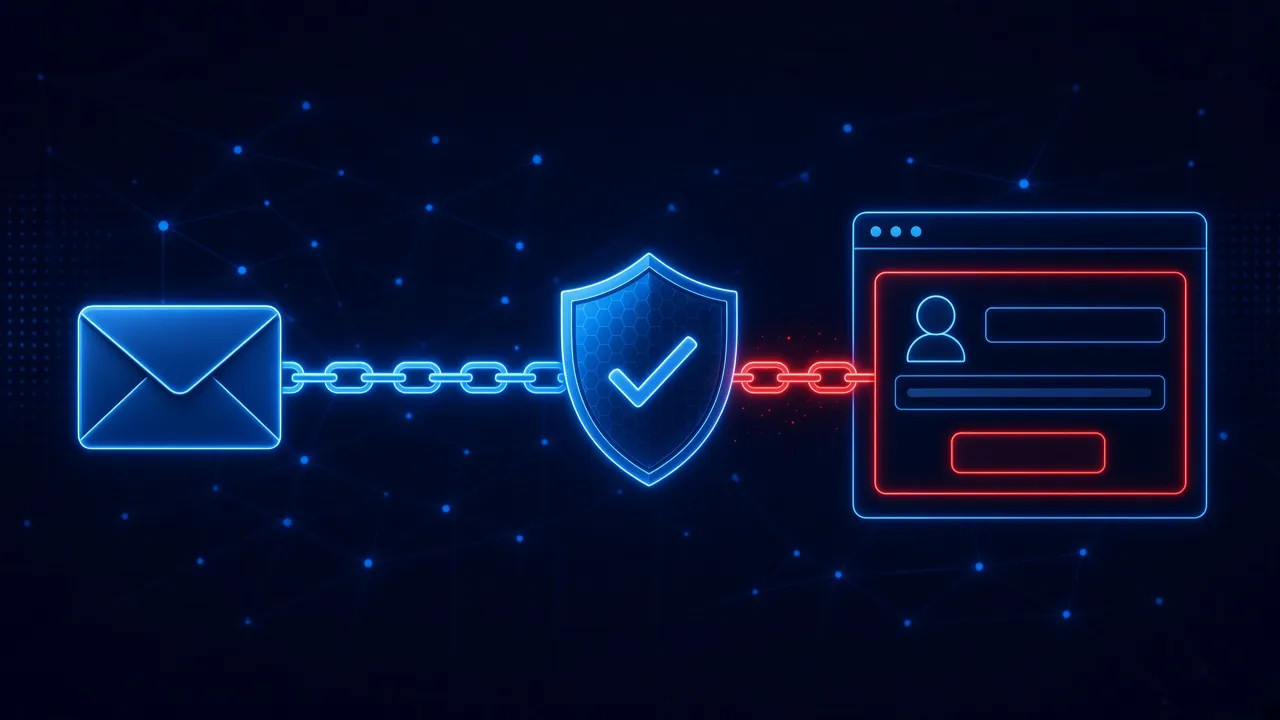
Message received → Link opened → Page evaluated → Action attempted → Compromise
Traditional awareness programs often focus heavily on the first two stages. Employees are taught to inspect messages, check senders, hover over links, and avoid clicking anything suspicious.
Those lessons are valuable, but they do not eliminate mistakes.
Employees move quickly. They are interrupted. They work across dozens of applications. They receive legitimate password resets, document requests, invoices, authentication prompts, and account notifications every day.
An employee may click because the request looks familiar or because it appears to come from someone they trust.
That does not mean the organization has already lost.
There may still be an opportunity to prevent the employee from entering credentials, downloading malware, approving access, or completing another dangerous action.
Organizations should therefore measure more than whether someone clicked.
The more important question is: Was the risky action completed?
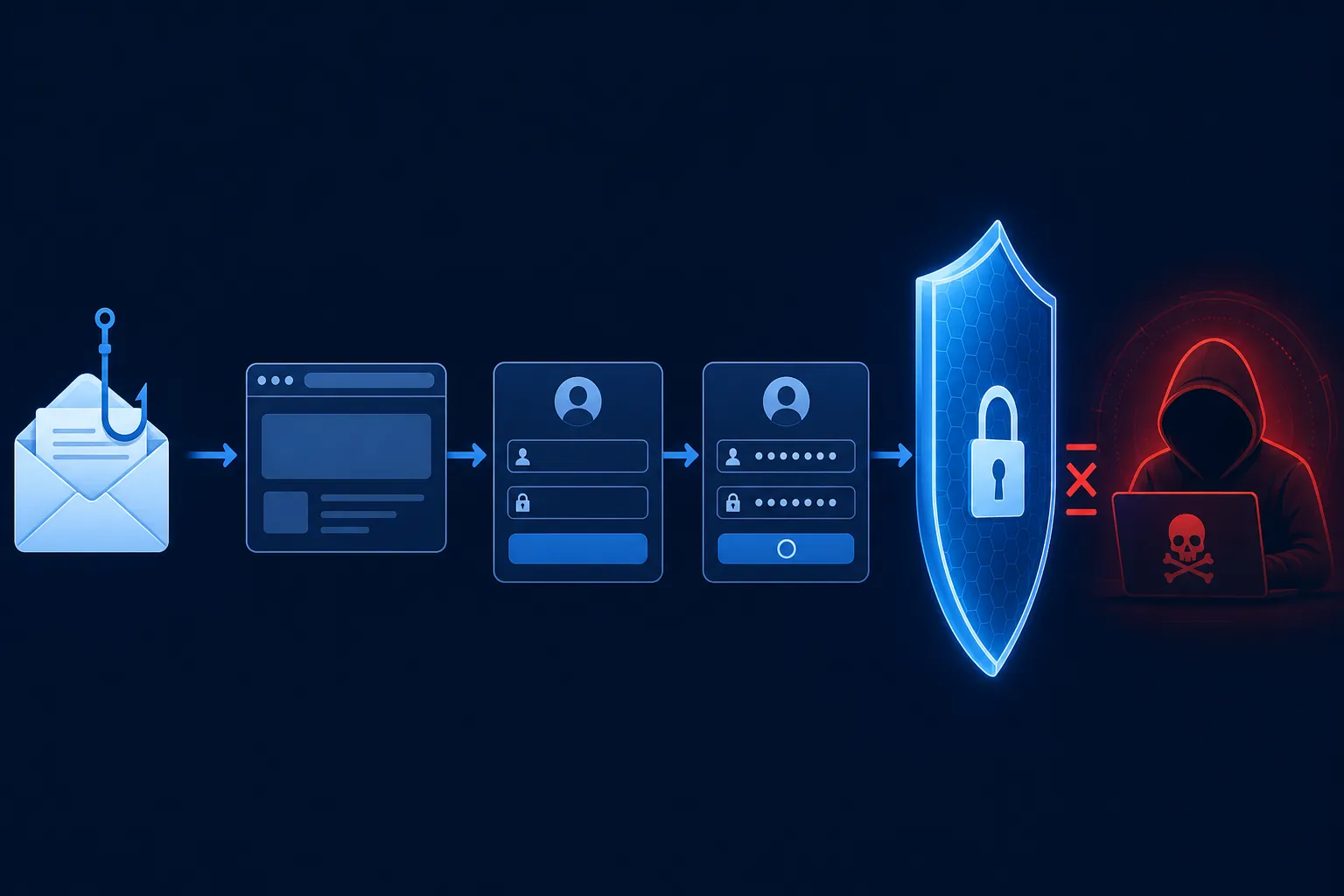
Why Modern Phishing Pages Are Hard to Identify
Employees are often told to look for obvious warning signs such as misspellings, unusual formatting, poor grammar, or suspicious branding.
Those indicators still exist, but they are becoming less reliable.
Modern phishing pages can be professionally designed. Attackers can copy familiar login screens, company logos, fonts, layouts, and workflows. Generative AI can help attackers create more polished messages and adapt their language to specific industries, roles, and individuals.
A malicious page may even include elements that employees have been trained to trust:
- A familiar company logo.
- A professional design.
- A secure connection and padlock icon.
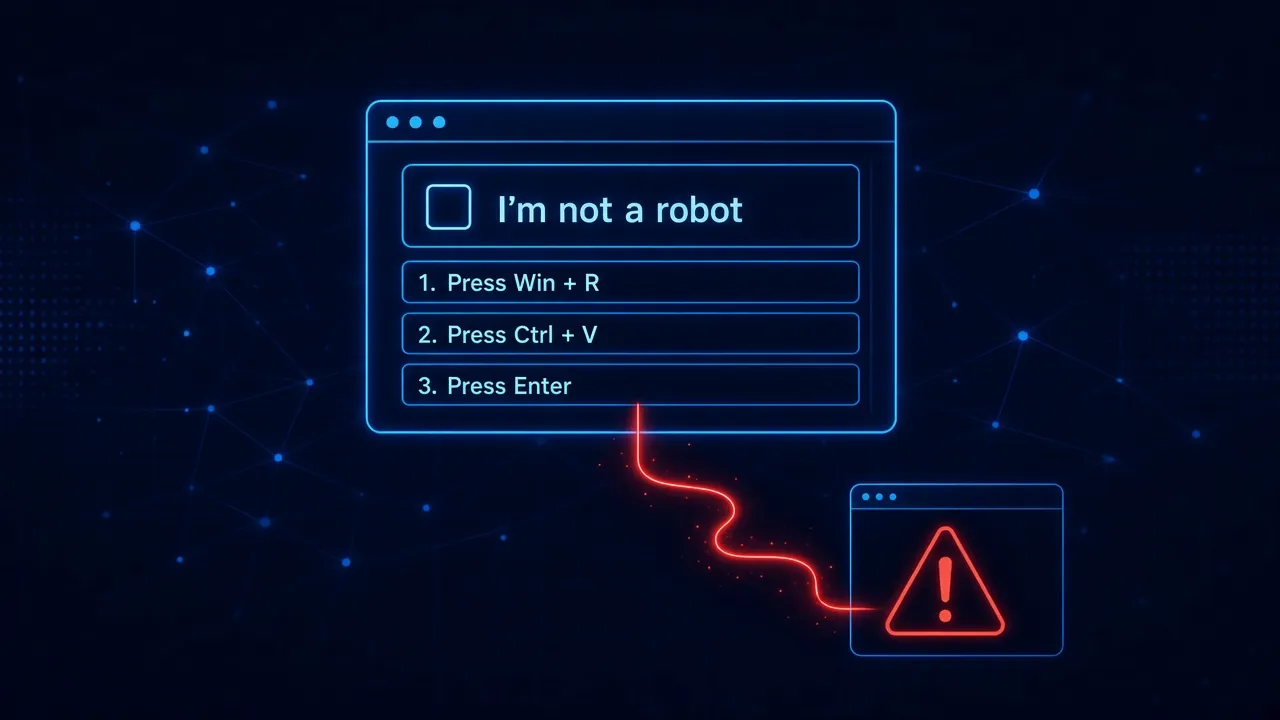
- A CAPTCHA verification screen.
- A recognizable cloud provider.
- The employee’s email address or company name.
- Information gathered from public sources.
- A believable reason for urgency.
The page may not look suspicious.
It may look almost exactly like something the employee uses every week.
This places an unrealistic burden on users. They are expected to identify tiny differences between authentic and malicious experiences while also completing their actual jobs.
Attackers only need one convincing moment. Employees are expected to make the right decision every time.
Training Is Important, but Memory Has Limits
Security awareness training plays an important role in helping employees recognize common attack techniques.
The problem is not that training has no value. The problem is expecting training alone to carry the entire burden of protection.
Employees may complete a cybersecurity module in January and encounter a sophisticated credential attack months later. By then, the specific lesson may be difficult to recall.
Even when employees remember their training, other pressures can override it:
- An urgent request from an executive.
- A document that appears necessary for a deadline.
- A warning that an account will be disabled.
- A payment request from a known vendor.
- A login prompt that appears during a familiar workflow.
- A notification that creates fear or curiosity.
Cybersecurity is rarely the employee’s primary responsibility. They are trying to complete another task when the attack appears.
That is why the timing of security guidance matters.
A generic lesson delivered months before an attack cannot provide the same value as a clear warning delivered at the exact moment an employee is about to take a risky action.
Protection Should Reach the Point of Decision
The browser has become one of the most important places to address human risk because it is where employees make consequential decisions.
It is where they:
- Enter credentials.
- Approve permissions.
- Access cloud applications.
- Download files.
- Complete payment workflows.
- Follow technical instructions.
- Share sensitive information.
- Interact with unfamiliar websites.
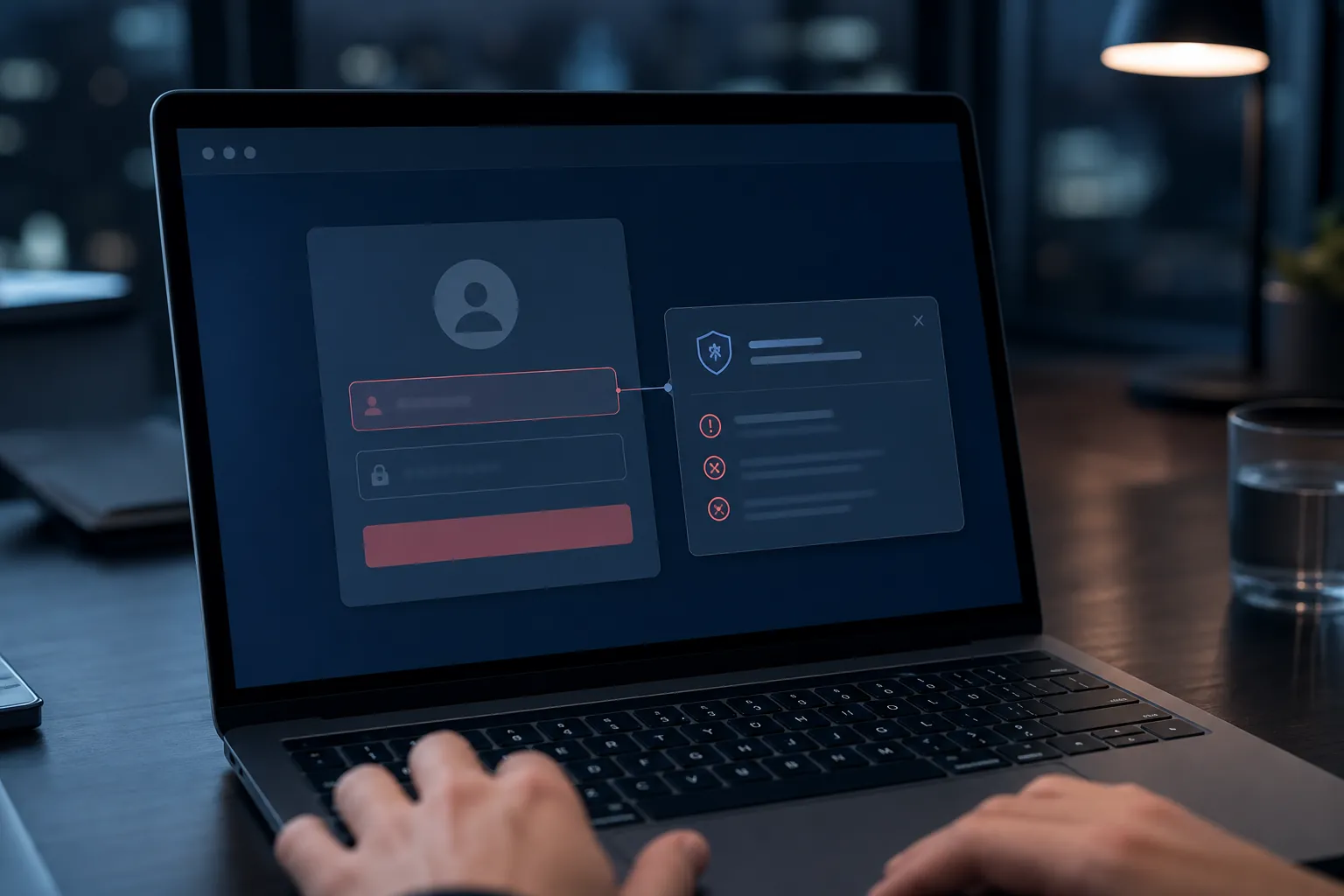
Protecting employees in the browser allows organizations to intervene closer to the moment of potential compromise. This is the role of real-time phishing protection: a layer that follows the employee past the inbox, onto phishing websites and fake login pages, where credential phishing actually succeeds.
Instead of relying entirely on the employee to recognize every threat, browser-level protection can help identify suspicious conditions and interrupt dangerous actions.
The goal is not to block employees from doing their jobs. It is to provide a safety layer during the moments when a mistake could have serious consequences.
That intervention should also explain why the activity is risky.
A warning that simply says “access denied” may stop an action, but it misses an opportunity to build understanding. A more effective intervention explains what was detected and helps the employee recognize the same pattern in the future.
Protect First, Then Train
A more effective human risk strategy connects protection and education.
When an employee encounters a dangerous interaction, the organization should be able to:
- Detect the risky situation.
- Interrupt the dangerous action.
- Explain what made the interaction suspicious.
- Deliver a brief lesson while the experience is still relevant.
- Use the event to improve future simulations and training.
This is the idea behind a protection-first approach.
The immediate priority is preventing harm. Once the employee is safe, the moment can become a learning opportunity.
This creates a stronger connection between the lesson and the behavior that triggered it. The employee is not learning about a hypothetical attack in an annual course. They are learning from an interaction that just occurred in the context of their actual work.
That makes the guidance easier to understand and more likely to influence future decisions.
Real Threats Should Improve Future Simulations
Traditional phishing simulations are often based on generic templates.
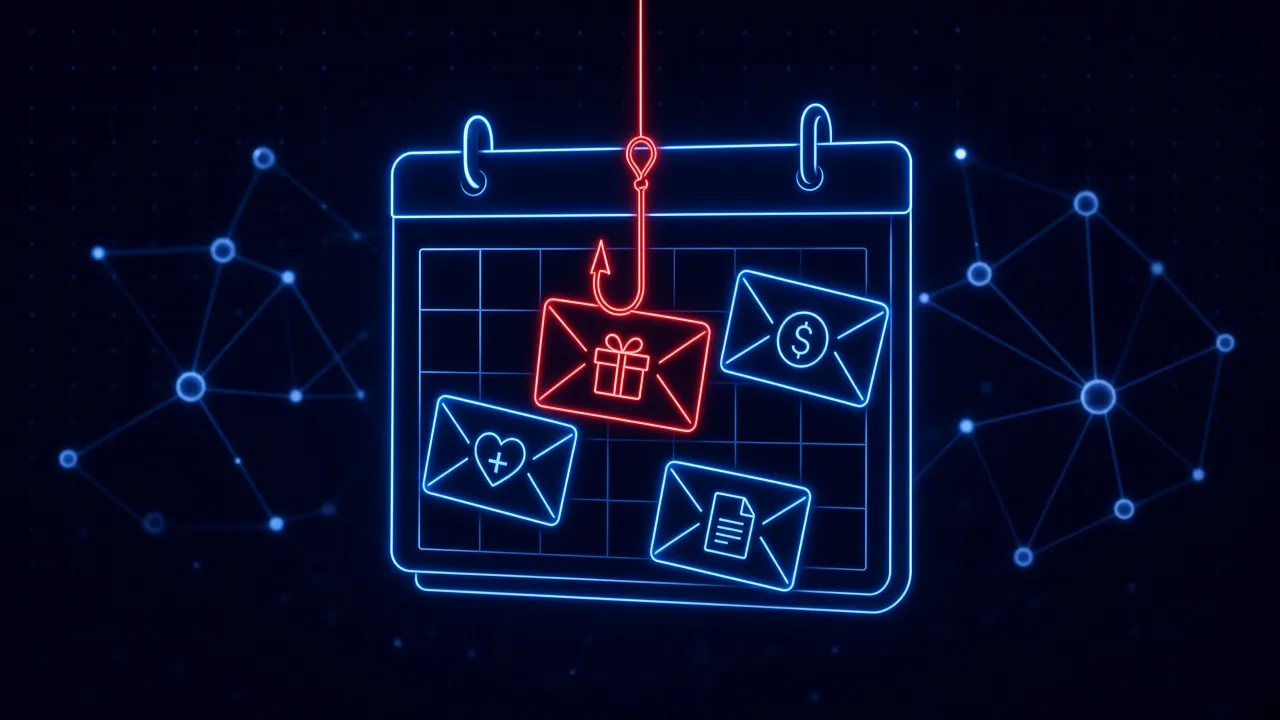
Employees might receive a fake package notification, password expiration message, or gift card request. These exercises can help teach broad concepts, but they may not reflect the threats employees are actually encountering.
A protection-first system creates the opportunity for a more adaptive model.
When a real threat is detected, the techniques used in that attack can help inform future simulations. If employees are encountering fake document-sharing pages, OAuth permission requests, browser notifications, or fraudulent invoice portals, those patterns can be incorporated into upcoming exercises.
This creates a continuous learning loop:
Detect → Protect → Simulate → Train → Adapt
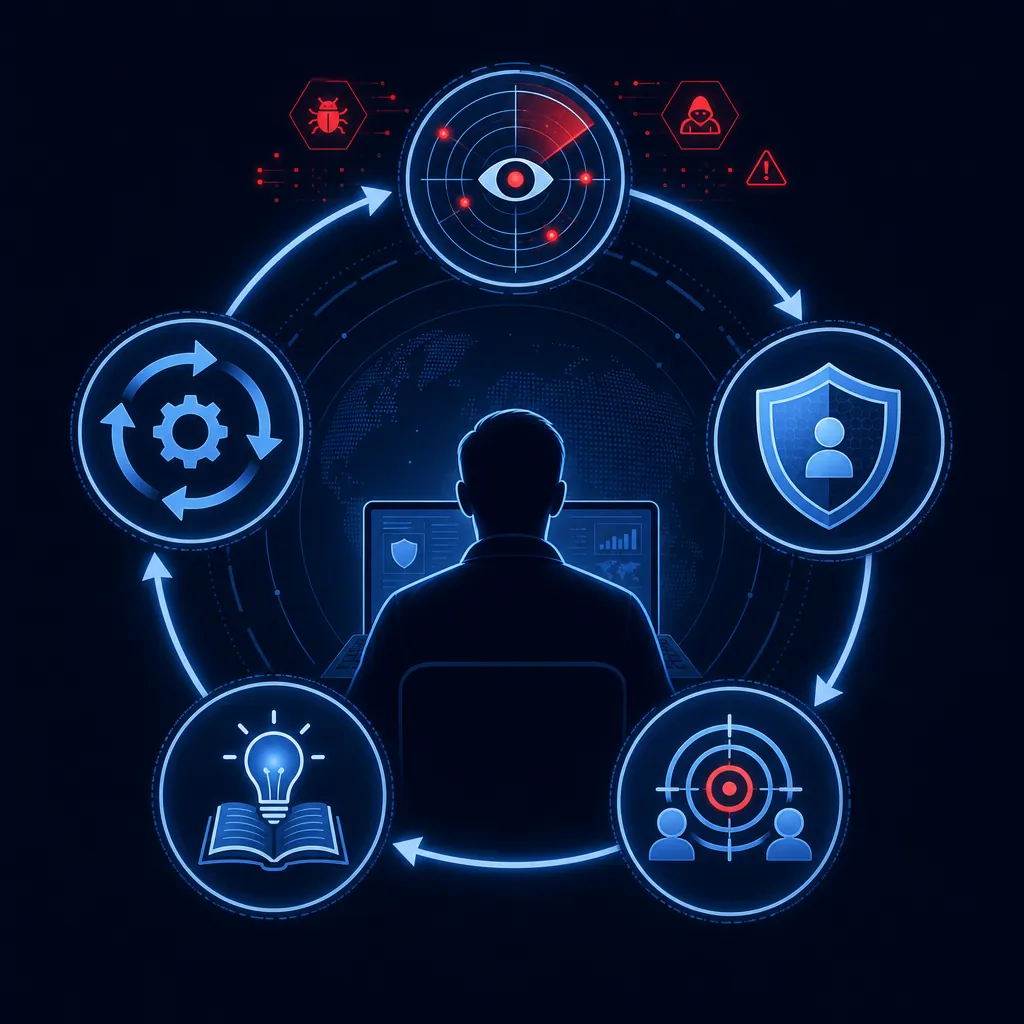
Real attacks inform simulations. Simulation performance identifies where employees need help. Training addresses those specific weaknesses. Future protection and testing become more relevant over time.
Instead of treating protection, simulations, and training as separate security programs, organizations can connect them into one adaptive process.
Better Metrics Than Click Rate
Click rate has become one of the most recognizable measurements in security awareness programs.
It is easy to understand, but it does not tell the whole story.
An employee might click a link and immediately recognize the page as suspicious. Another employee might avoid clicking a simulated email but later provide credentials through a malicious advertisement or collaboration message.
Neither situation is fully captured by an email simulation click rate.
Organizations should consider measuring outcomes that more closely reflect actual risk, including:
- Risky actions prevented.
- Credential-entry attempts.
- Sensitive information submission attempts.
- Permission or application access approvals.
- Repeat behavior after an intervention.
- Improvement by attack category.
- Performance against simulations based on relevant threats.
- Time between a risky action and targeted training.
- Employee reporting and escalation behavior.
These measurements provide a clearer picture of whether employees are becoming more resilient.
The objective should not simply be to produce a lower click rate. It should be to reduce the likelihood that human interaction leads to a successful compromise.
Human Risk Management Must Reflect How People Work
Employees spend much of their workday in browsers and cloud applications. That is where they communicate, access documents, manage accounts, review invoices, and make decisions.
Attackers understand this.
They design threats that blend into normal workflows and take advantage of the speed at which employees are expected to operate.
Human risk programs must evolve accordingly.
Organizations should continue filtering malicious messages and training employees to identify suspicious activity. But they should not rely on those controls as the final line of defense.
Employees need protection when a risky interaction reaches them. They need guidance when they are making the decision, not only weeks or months beforehand.
The future of human risk management is not choosing between protection and training.
It is using protection to prevent the immediate threat, turning the moment into relevant education, and continuously adapting based on what employees and attackers do next.
Because phishing does not end when someone clicks.
That is often where the real risk begins.
Protect Employees at the Moment Risk Appears
SavvyShield helps organizations move beyond periodic awareness training with real-time browser protection, adaptive simulations, and in-context micro-training.
Our protection-first approach helps stop risky actions before they become compromises and turns real moments of risk into opportunities for employees to improve.
See how SavvyShield's browser-based phishing protection works, or explore the full platform.