Every fall, employees get an email they have been told to expect: open enrollment is here, review your benefits, the deadline is Friday. A few weeks later come the bonus notices, the holiday party logistics, the year-end policy acknowledgements, and then the tax forms. For HR, it is the busiest stretch of the calendar. For attackers, it is the most predictable one.
Phishing works best when the message is one the recipient was already waiting for. From October through January, HR hands attackers a schedule of exactly those messages. The lures are not exotic. They are the same subject lines your own HR team sends, and that is the whole problem.
Why Are HR Emails the Most Clicked Phishing Lures?
Because they feel like work, they feel personal, and they come with a deadline. KnowBe4 publishes a quarterly ranking of the simulated phishing emails people click most, and its Q4 2025 roundup (https://www.knowbe4.com/press/knowbe4-releases-q4-2025-phishing-trends-report-highlighting-the-power-of-personalized-attacks) found that internal workplace topics appeared in every one of the ten most-clicked subject lines, with HR called out in 46 percent. Half of that top ten was HR outright: benefits, reimbursements, a dress code change, overdue training, and an emergency contact update.
Real attackers have noticed. In the same quarter, one of the ten most-reported real phishing emails that employees flagged was titled, simply, “HR: Open Enrollment Ending Today” (https://www.knowbe4.com/hubfs/Q4-2025_Phishing-Report-Infographic_EN.pdf). It needed nothing else. The subject line is urgent, plausible, and tied to something that genuinely affects the reader’s health coverage and paycheck.
Researchers at Cofense describe the same dynamic: open enrollment lures run year-round but climb toward the end of the calendar year (https://cofense.com/blog/threat-actors-taking-advantage-of-hr-initiatives/), when most companies actually run enrollment, and lures about raises and holiday bonuses generate an enthusiasm that “could fog judgement.” Fear makes people hurry. Good news makes them stop checking.
Which HR Phishing Lures Show Up Between October and January?
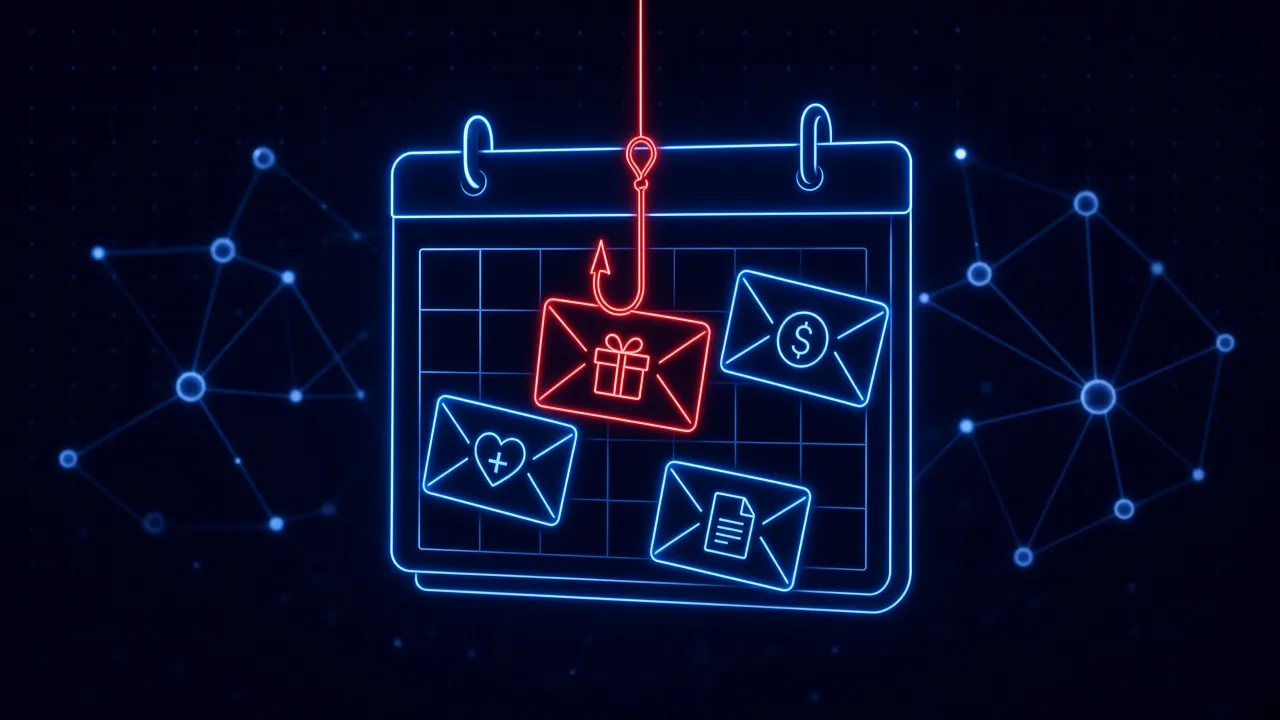
The calendar is predictable enough to write down. Here is what security and HR teams should expect over the next four months, roughly in order:
- Open enrollment and benefits changes (October and November). “Your benefits package has been updated,” “Enrollment closes today,” “Action required: confirm your elections.” These lead to a sign-in page dressed up as your benefits portal or Microsoft 365.
- Compensation, raises, and bonuses (November through January). A “compensation adjustment letter” or “2027 salary review” that requires a sign-in to view. Few employees ignore a message that might contain a raise.
- Gift card requests from the “boss” (November and December). A text or email from a manager who is stuck in a meeting and needs gift cards for client thank-yous or the team party, codes sent back by photo. It lands especially well around the holidays, when the story is most believable.
- Policy updates and acknowledgements (late December and January). “Updated employee handbook, signature required.” UCSF’s security team notes that these corporate-communication lures used to cluster around the New Year and now arrive at the start of every quarter (https://it.ucsf.edu/jul-2025-employee-benefits-hr-lures-credential-phishing), usually with links to domains created within the past 30 days.
- Tax forms (January). Employees get “your W-2 is ready” lures, while payroll and HR staff get something more dangerous: an executive asking for a copy of every employee’s W-2. The IRS has warned for years that this request is a phishing scheme aimed squarely at payroll and HR departments (https://www.irs.gov/help/report-fraud/report-fake-irs-treasury-or-tax-related-emails-and-messages), and it is sometimes paired with a wire transfer request from the same fake executive.
None of these needs a clever technical trick. Each one borrows the credibility of a real process employees are already participating in.
What Happens After an Employee Clicks a Benefits Phishing Email?
Increasingly, the goal is not just a password. It is the paycheck. Microsoft Threat Intelligence has documented a group it tracks as Storm-2657 running what the industry now calls “payroll pirate” attacks (https://www.microsoft.com/en-us/security/blog/2025/10/09/investigating-targeted-payroll-pirate-attacks-affecting-us-universities/). Phishing emails themed around compensation and benefits updates, some with subject lines like “2025 Compensation and Benefits Update,” led to fake sign-in pages that captured both passwords and MFA codes. The attackers then signed in to the victim’s HR platform, changed the direct deposit account, and created inbox rules that silently deleted the notification emails warning about the change. From 11 compromised accounts at three universities, they sent phishing emails to nearly 6,000 accounts across 25 universities.
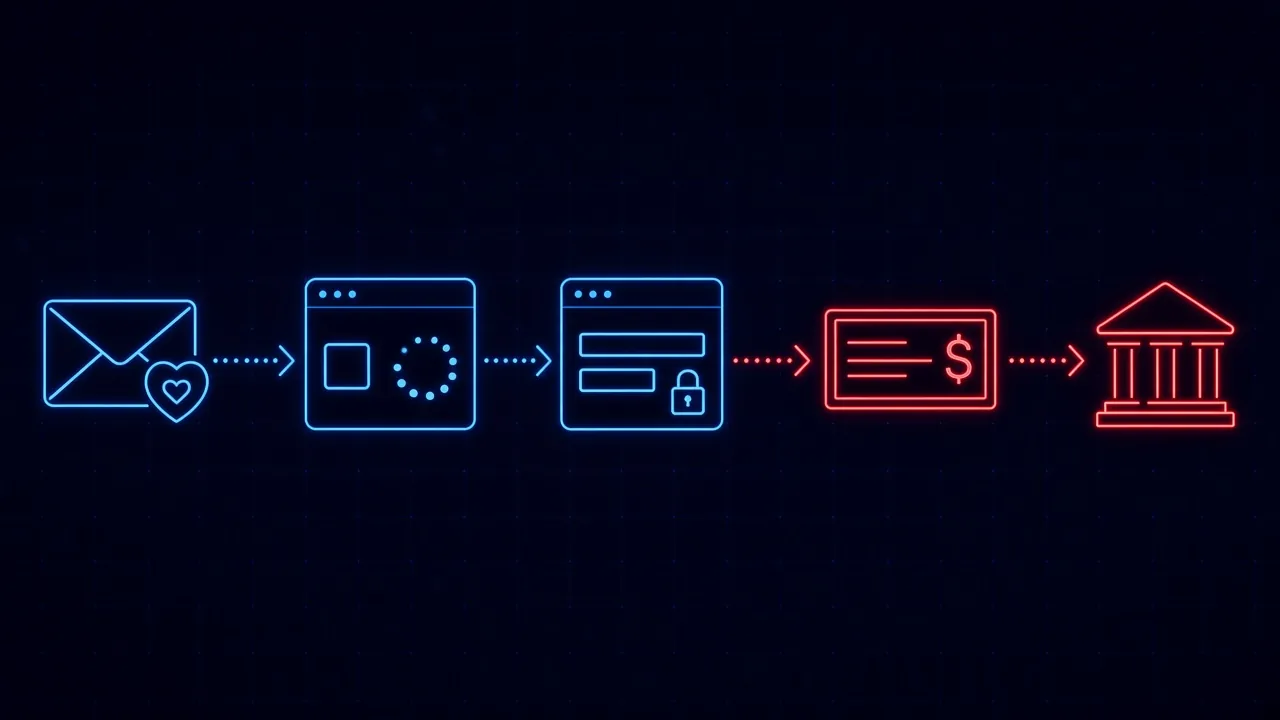
Okta’s threat intelligence team has tracked a similar campaign, O-UNC-037, that has been using employee benefits lures since at least October 2025 (https://www.okta.com/blog/threat-intelligence/phishing-campaigns-use-employee-benefits-lure-logins/), with subject lines like “Employee Benefits Alert - New Changes Effective Now” and “Your Benefits Package Has Been Updated,” personalized with the recipient’s name and likely written by a large language model. The details are worth knowing because they defeat the usual advice:
- A real CAPTCHA comes first. Victims solve a genuine Cloudflare “Security Verification” challenge before the phishing page loads. It keeps security scanners out and makes the page feel more trustworthy to the human.
- MFA gets relayed, not bypassed. The fake sign-in page sits in the middle of a real login, capturing the password, the MFA code, and the session token the moment the victim finishes signing in. SMS codes and authenticator app codes do not stop it.
- It moved to text messages. In July 2026, the same group began sending its benefits lures by SMS, landing on phones where corporate email filters do not see them.
Email is not the only way in, either. The FBI has warned that criminals are buying search ads that impersonate employee self-service websites (https://www.ic3.gov/PSA/2025/PSA250424), so an employee who searches for their payroll or benefits portal clicks a sponsored result and signs in to a fake. Once inside, attackers redirect payroll, health savings, and retirement account deposits. Other groups skip the employee entirely: Okta has tracked attackers who call the IT help desk posing as an employee (https://www.okta.com/newsroom/articles/payroll-pirates-target-help-desks-to-siphon-employee-paychecks/) to request a password reset, enroll their own MFA device, and head straight for payroll systems like Workday, Dayforce, and ADP. It is the same voice phishing playbook now aimed at paychecks.
Why Doesn’t “Check the Sender” Work Anymore?
The traditional advice assumes the fake will look fake. Seasonal HR phishing is built so it does not. The email arrives when a real one is expected, uses the same language, and is often sent from a properly authenticated domain. KnowBe4’s 2026 Phishing Threat Trends Report (https://www.knowbe4.com/resources/reports/2026-phishing-threat-trends-vol-7) found that 84.4 percent of successful phishing attacks now pass DMARC, the check that is supposed to prove an email came from the domain it claims. AI-written lures have removed the typos and awkward phrasing people were taught to look for.
That pushes the decisive moment later, onto the web page. The employee has already decided the email is legitimate. What they see next is a CAPTCHA they have solved a hundred times and a sign-in page that looks exactly like Microsoft or their benefits provider. As with ClickFix attacks, the compromise happens in the browser, after every email control has already let the message through. It is the same reason phishing protection cannot end at the inbox.
What Should HR and IT Do Before Open Enrollment Starts?
The good news about a predictable threat is that you can prepare for it. Most of these steps cost nothing and take an afternoon:
- Publish the real schedule. Tell employees exactly when enrollment emails will arrive, who they will come from, and what they will and will not ask for. A message that does not match the announcement becomes easy to question.
- Make the portal a bookmark, not a link. Give everyone one trusted way to reach the benefits and payroll portals, through the intranet or a saved bookmark, and say plainly that HR will never require a sign-in from an email link or QR code. That habit also defeats the search ad trick.
- Put friction on direct deposit changes. Confirm banking changes through a second channel, notify the employee somewhere other than email, and consider a short hold before a new account receives pay. Ask IT to alert on inbox rules that delete messages from your payroll provider, which Microsoft calls out as a telltale sign.
- Require phishing-resistant MFA on HR systems. Both Microsoft and Okta recommend passkeys or FIDO2 security keys for exactly this reason: codes can be relayed by a fake page, but a passkey will not sign in to the wrong site.
- Tighten help desk verification. Password resets and new MFA enrollments for accounts with payroll access deserve stronger identity checks than a caller who knows an employee ID.
- Set a gift card rule. Say it out loud from leadership: nobody here will ever ask you to buy gift cards. The FTC’s advice on boss impersonation scams (https://consumer.ftc.gov/consumer-alerts/2026/01/no-thats-not-your-boss-asking-you-buy-gift-cards) is simple: verify using a number or email you already know is real. Imposter scams cost people a reported $3.5 billion in 2025 (https://www.ftc.gov/news-events/news/press-releases/2026/06/ftc-data-show-people-reported-losing-3-point-5-billion-imposter-scams-2025), and they were the most commonly reported type of fraud.
- Require two people for W-2 requests. The IRS recommends that two people review any request for W-2 data and confirm it directly with the requester (https://www.irs.gov/newsroom/w-2-scam-asl-youtube-video-text-script) before anything is sent.
- Practice with the season’s actual lures. Run simulations that mirror what is coming: an enrollment deadline in October, a bonus letter in December, a W-2 request in January. And when someone clicks, treat it as a coaching moment, not a punishment, so people keep reporting the real ones.
How Do You Protect Employees at the Moment They Click?
Preparation lowers the odds. It does not get them to zero, because the attack is designed to arrive on the day a real enrollment email does, from a sender that passes every check, to someone who is busy. The protection that reliably works is the one present at the moment the employee lands on the fake page and starts to type.
A security layer in the browser can see what email filters cannot: a benefits sign-in page on a domain registered last week, a Microsoft login form that is not Microsoft, a “verification” step standing in front of a credential harvester. Stopping the employee there, before the password and MFA code are relayed, turns the most expensive mistake of the season into a non-event. And because the close call just happened, a short explanation of what the page was doing lands better than any training module sent back in the spring.
Open enrollment is coming whether attackers are ready or not. They usually are. The teams that get through Q4 cleanly are the ones who told their people what to expect and put protection where the decision actually happens.
How SavvyShield helps: SavvyShield’s browser extension analyzes pages in real time and steps in when an employee reaches a fake benefits portal, payroll login, or look-alike sign-in page, before credentials are entered. Each blocked attempt becomes a short, targeted lesson, and realistic in-browser simulations built on seasonal lures like open enrollment and bonus notices, combined with adaptive human risk management, keep strengthening each person’s weakest points automatically. Curious where your team stands? Start with our free cyber savviness quiz.