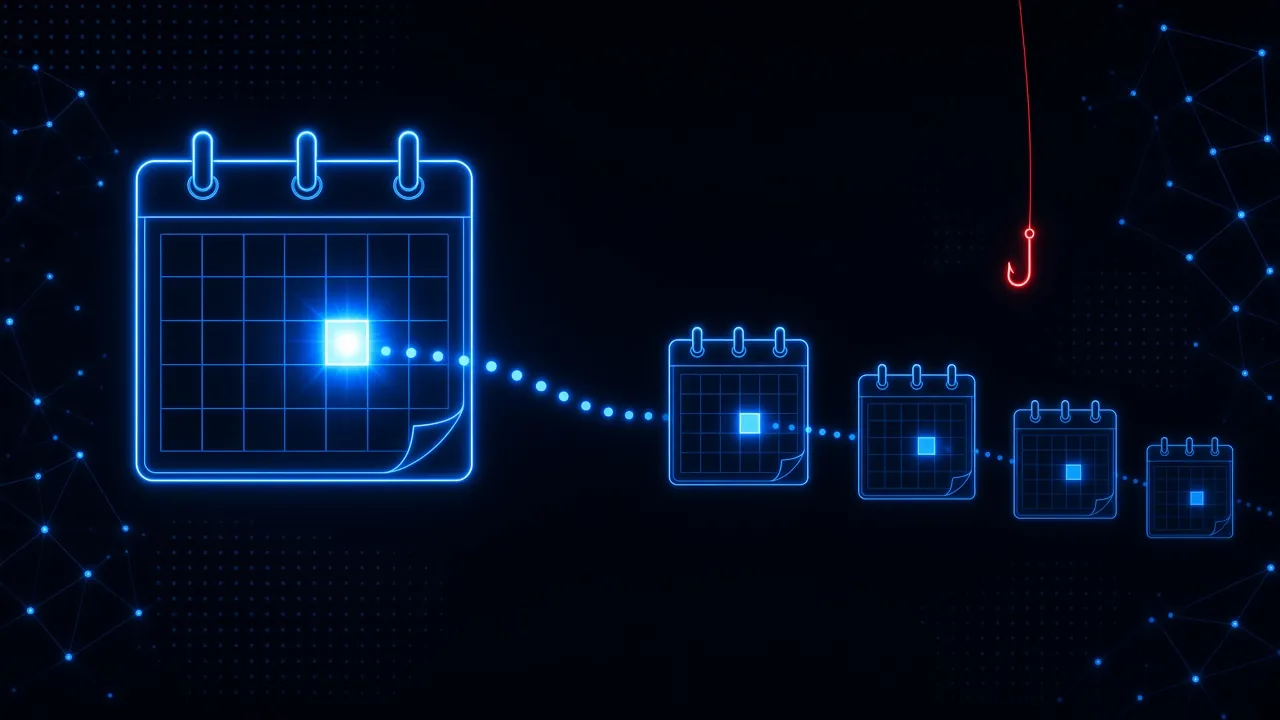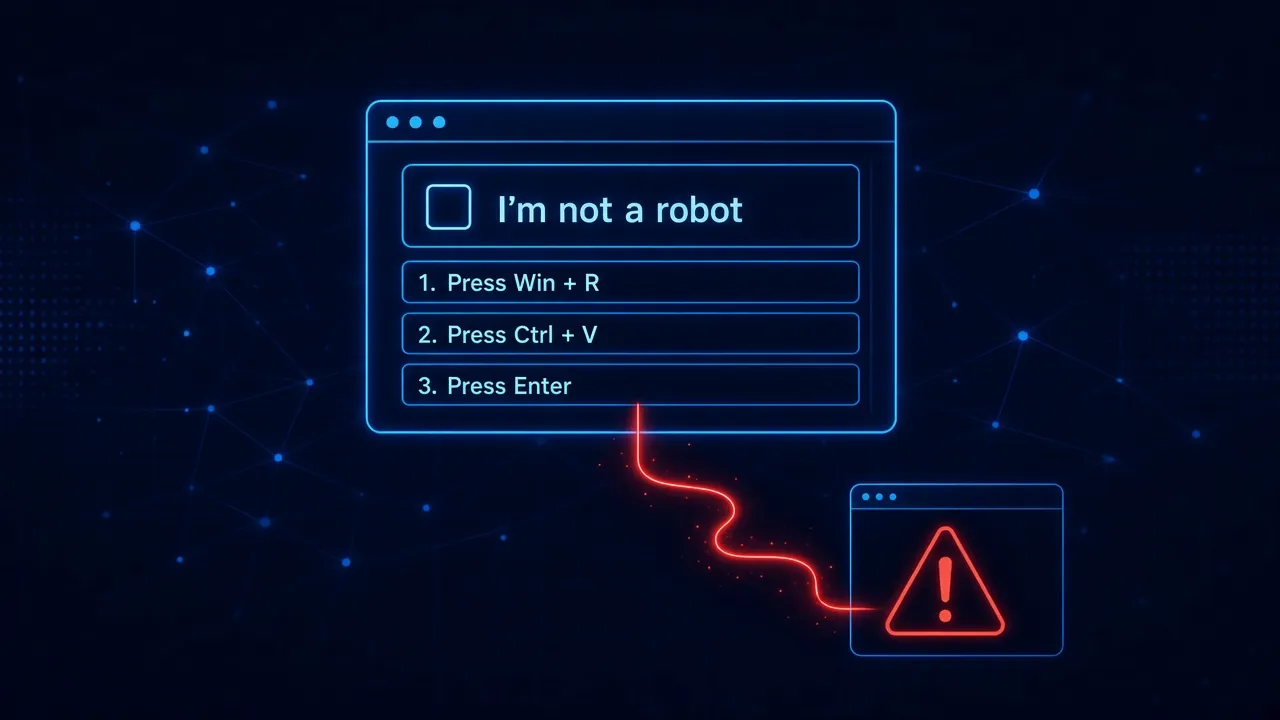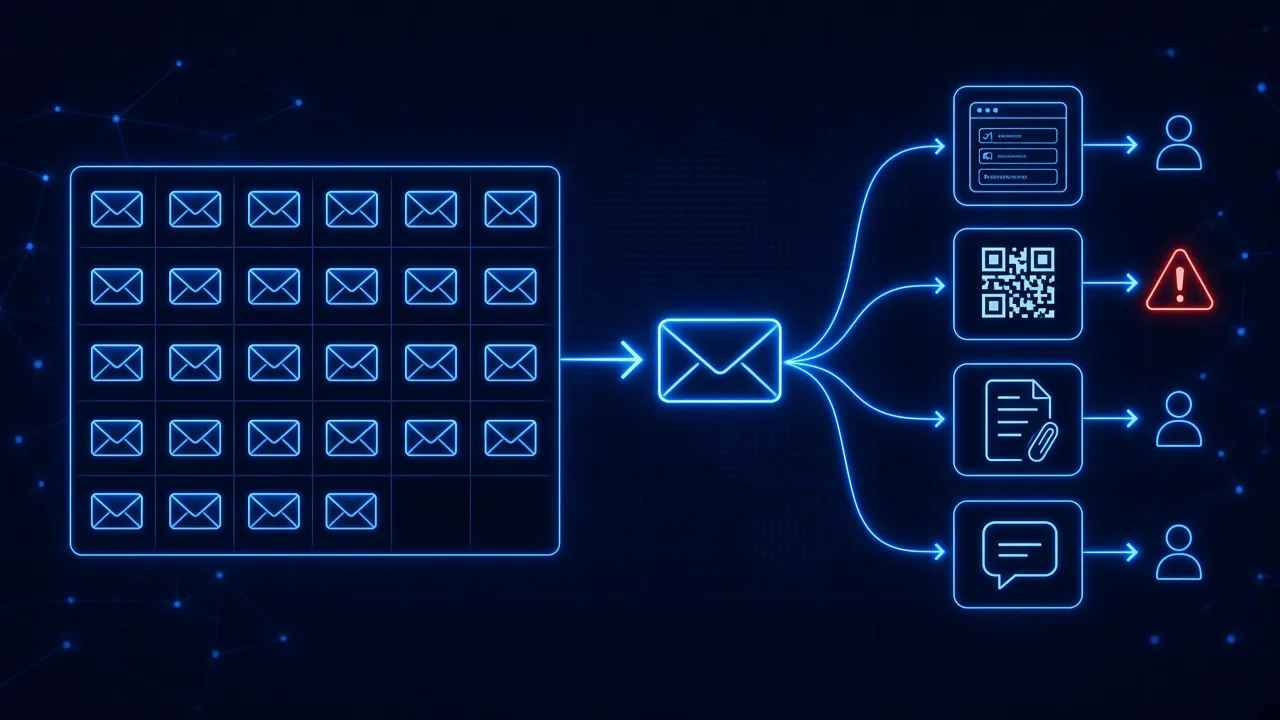
There is no universal frequency. Monthly or quarterly testing is common, but frequency alone does not make a phishing simulation program effective. The quality, variety, timing, personalization, and reinforcement that follow each simulation matter just as much.
Most articles answering this question stop at a calendar: monthly, quarterly, twice a month. That is a useful starting point, and it is what most vendors currently recommend. The better question is not simply how often you should run phishing simulations. It is whether the simulations are adapting to the employee and to the threats they are actually likely to encounter.
How Often Do Most Organizations Run Phishing Simulations?
Industry guidance in 2026 still clusters around a few familiar cadences:
- Quarterly is common for programs that are just getting started, or for organizations treating simulations primarily as a compliance checkpoint. It produces some improvement, but the gaps between tests are long enough that vigilance fades before the next round.
- Monthly is the most frequently cited baseline. PhishSkill's 2026 cadence guide, along with a wide range of practitioner articles, treats monthly testing as the point where click rates start compounding instead of resetting.
- Twice monthly, or about every 10 days, is the higher-tempo end. Hoxhunt and NINJIO both argue that more frequent practice generates enough behavioral data to spot patterns, and that quarterly programs do not.
- High-risk roles (finance, HR, IT admins, executive assistants, senior leaders) are often tested every two to four weeks, with scenarios that match the pretexts those roles actually see: invoice changes, payroll updates, MFA prompts, vendor requests.
Recency is the research finding that sits underneath all of this. Verizon's 2025 Data Breach Investigations Report found that people trained within the previous 30 days were about four times more likely to report a phishing email than people whose training was older. Frequency matters because memory decays. A simulation that happened last quarter is not doing the same job as one that happened last week.
So if the question is only "how often," monthly is a reasonable default, with a denser cadence for higher-risk users. That is not where the argument should end.
Can You Run Phishing Simulations Too Often?
Yes. More tests are not automatically better tests.
Run the same kind of simulation too frequently and three things start to happen:
- Fatigue. Employees stop treating the exercise as practice and start treating it as noise. Reporting drops not because people got better, but because they stopped engaging.
- Predictability. If everyone knows "phishing week" is the first Monday of the month, the test is no longer a test. Real attacks do not arrive on a schedule.
- Pattern recognition of the simulation, not the attack. People learn the tell of your program: the sender pattern, the landing page, the "you failed" interstitial. Click rates fall. Resilience does not rise. The coffee-machine effect makes this worse: one person spots the test, tells the team, and the rest of the campaign measures gossip, not skill.
That is why "send more of the same" is a weak answer. Volume without variety trains people to pass your exam. It does not train them to handle the next real lure.
Why Fixed Phishing Campaigns Have a Limitation
A fixed campaign looks organized from the security team's side of the dashboard. One template, one send window, one report. Everyone gets essentially the same test at the same interval.
What you are measuring in that model is performance against a predetermined exam. You learn who clicked this month's package-delivery email. You do not learn whether the finance team would catch a vendor-payment change, whether a new hire would pause on a fake Microsoft login, or whether last quarter's "graduates" still recognize a QR-code lure they have never seen.
Attackers are not running a predetermined exam. They change pretexts, channels, and quality constantly, now with AI doing much of the writing. A program that repeats the same campaign on a calendar is always one generation behind the threat it is supposed to prepare people for.
Fixed campaigns also flatten the workforce. The person who has reported every simulation for a year gets the same next test as the person who has clicked three times this quarter. One is bored. The other is still exposed. The calendar does not know the difference.
Frequency vs. Adaptability
Frequency answers how often. Adaptability answers what next.
Those are different problems. A monthly program that sends every employee the same template is frequent and still static. A program that sends fewer tests to strong reporters and harder, more relevant tests to people who keep failing is less obsessed with a round number and more honest about risk.
Adaptability has three dimensions, and all three should change over time:
- The person. Different employees have different jobs, different habits, and different failure modes. A new hire, a CFO, and a plant operator should not be practicing the same scenario at the same difficulty.
- The behavior. Someone who reports consistently should see harder, less obvious lures. Someone who clicks should see more practice on the tactic they missed, not a random draw from the library.
- The threat. Simulations should track the attacks people are actually likely to face: browser-based prompts, QR codes, vendor impersonation, credential pages, not last year's gift-card template.
Hoxhunt has made a similar point in public: monthly is common, and too static. Train more when users show risk. Ease off when they are performing well. Keep the pressure on the attackers, not on the employees. That framing is right. Cadence should sit on a behavioral curve, not only on a calendar.
This is also where adaptive phishing simulations earn the name. The interval can still be roughly monthly for most people. What changes is the content, difficulty, and channel of the next attempt, based on what the last one revealed.
What Should Happen After Someone Fails a Phishing Simulation?
The simulation is not the training. The moment after the click is.
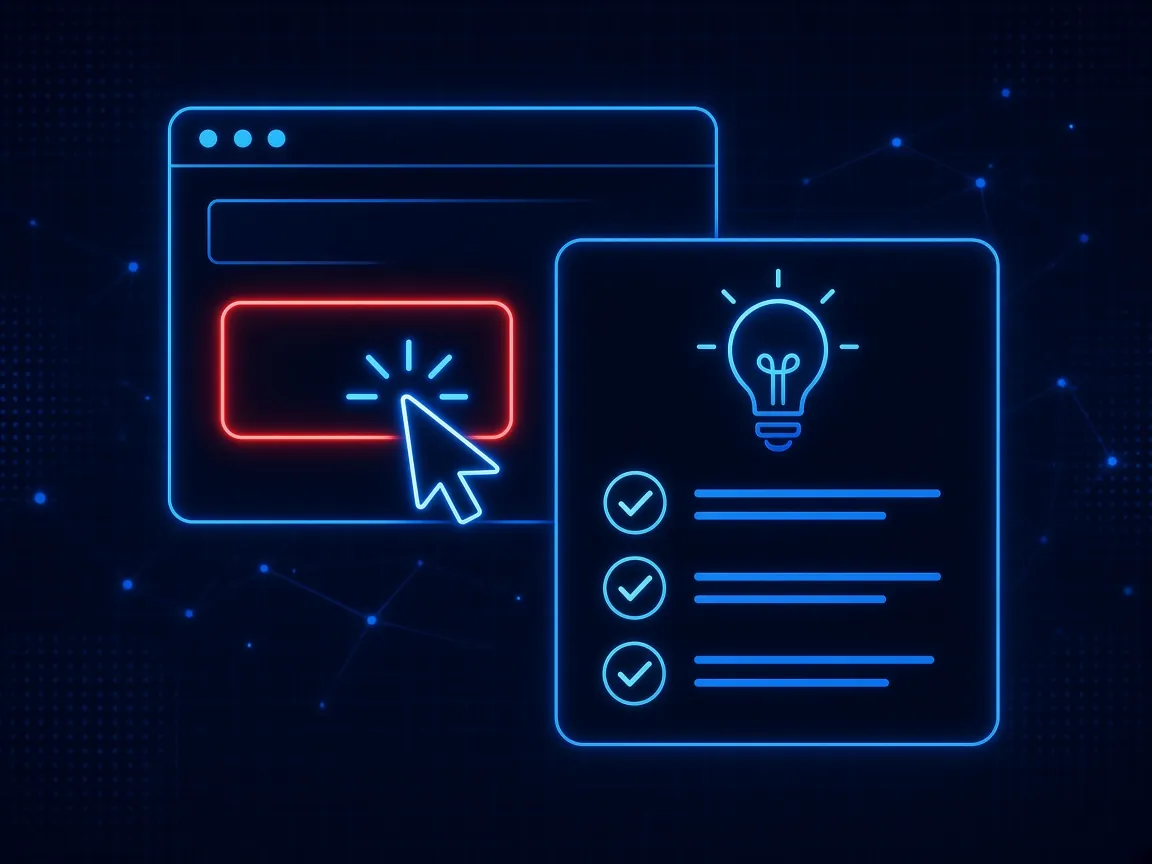
If a failed test produces a dashboard row and nothing else until the next quarterly module, most of the learning window is already gone. People remember what they just did. They do not remember a 20-minute course assigned three weeks later.
A useful failure looks like this:
- The person is told, in the moment, that it was a test, without public shaming.
- A short lesson names the tactic that worked and the safer action to take next time.
- The next simulation for that person is informed by the miss, not by the company-wide calendar.
A 2026 research paper on TrainShield describes exactly this model: adaptive micro-learning triggered inside the user's actual workflow after a detected risk event, rather than delivered as a separate training appointment. The intervention happens at the decision point, tailored to the event and to the person's knowledge level. That is strikingly aligned with how contextual security awareness training should work after a simulation, and after a real risky moment.
Verizon's recency finding is the practical argument for the same design. If reporting rates spike in the 30 days after training, then training that lands immediately after a miss is worth more than training that waits for the next scheduled course.
Building a Continuous Phishing Simulation Program
Put the pieces together and the program stops looking like a campaign calendar and starts looking like a loop:
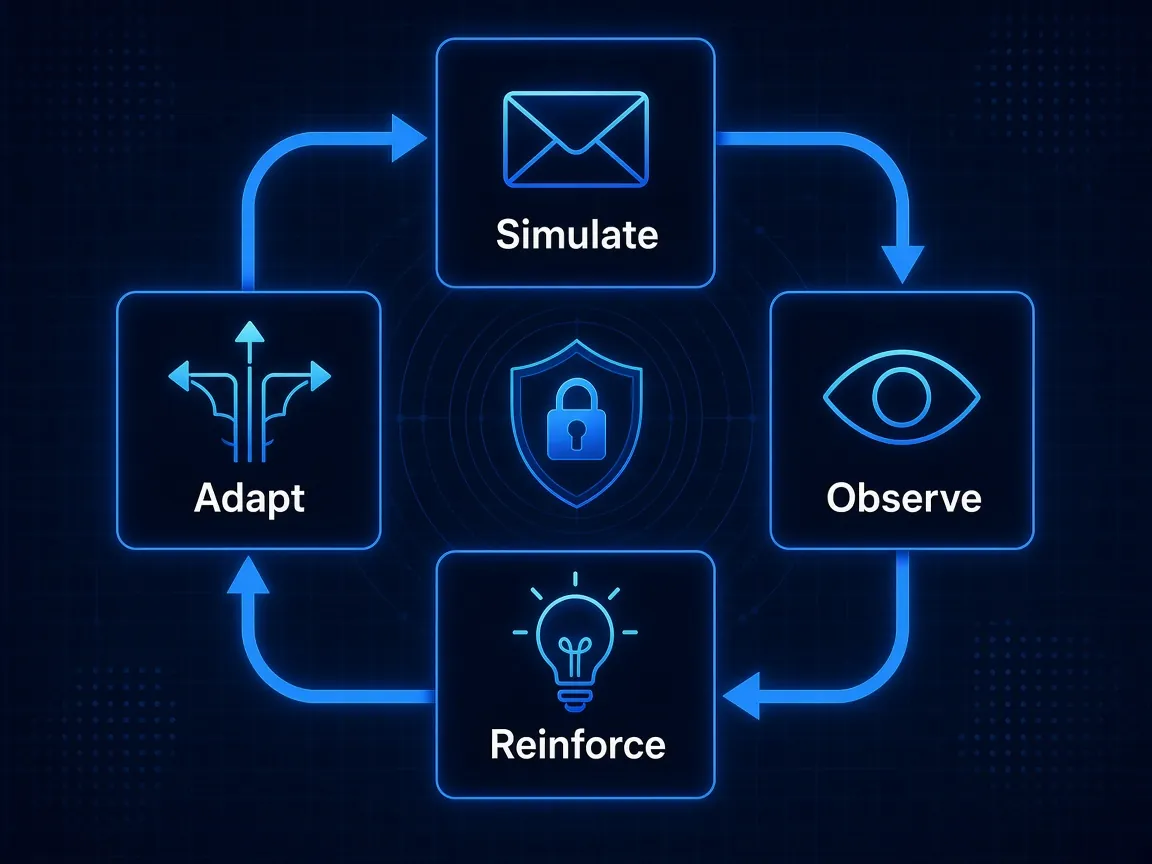
- Simulate. Send realistic attempts across the places people actually work, including email and the browser, not a single recycled template.
- Observe behavior. Track pass, fail, ignore, and report. The report is often the more important signal than the click.
- Reinforce. When someone misses, deliver a short lesson tied to that miss, immediately.
- Adapt. Change difficulty, pretext, and channel based on the person and on current threats.
- Simulate again. The next test is the measure of whether the lesson stuck, not a rerun of the same exam.
In that model, "how often" becomes an output of the loop, not the entire strategy. Most employees might still see something on a roughly monthly rhythm. High-risk or struggling users see more. Strong reporters see fewer, harder tests. Nobody is practicing last quarter's attack on a fixed date that the whole company can predict.
That is what a continuous phishing simulation program actually is: not more email, more often, but a system that uses each result to decide the next one.
The Bottom Line
Monthly is a fine baseline. Quarterly is usually too slow. Twice a month can work if the content stays fresh. None of those numbers, on their own, tell you whether the program is reducing risk.
Ask a sharper set of questions. Are simulations changing as employees change? Do they resemble the attacks people will actually see? Does a failure produce a lesson in the moment, or only a metric? If the answers are no, changing the calendar will not fix the program.
See how SavvyShield runs adaptive phishing simulations across email and the browser, measures behavior, and reinforces the lesson automatically.