In early August 2026, Reuters (https://www.reuters.com/world/hackers-targeted-us-private-equity-other-firms-including-blackstone-cme-data-2026-08-06/) reported that ransom-seeking hackers using phone-based social engineering had targeted more than 200 organizations, including private equity firms, financial companies, and law firms. The campaigns included more than 70 malicious websites built to impersonate targeted organizations and steal credentials or authentication information. Named firms in the reporting included Blackstone, CME Group, and others across finance and professional services.
The detail that should stick with security leaders is not only that the attackers called. It is what those calls were designed to produce next.
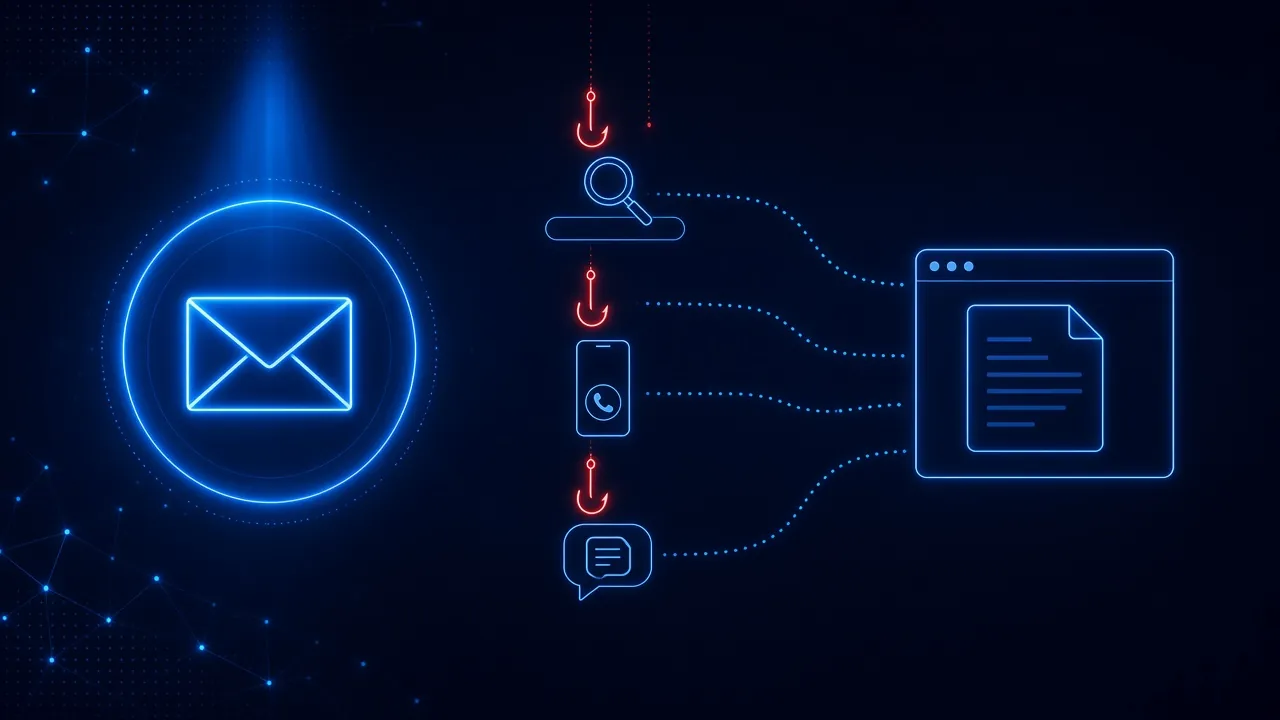
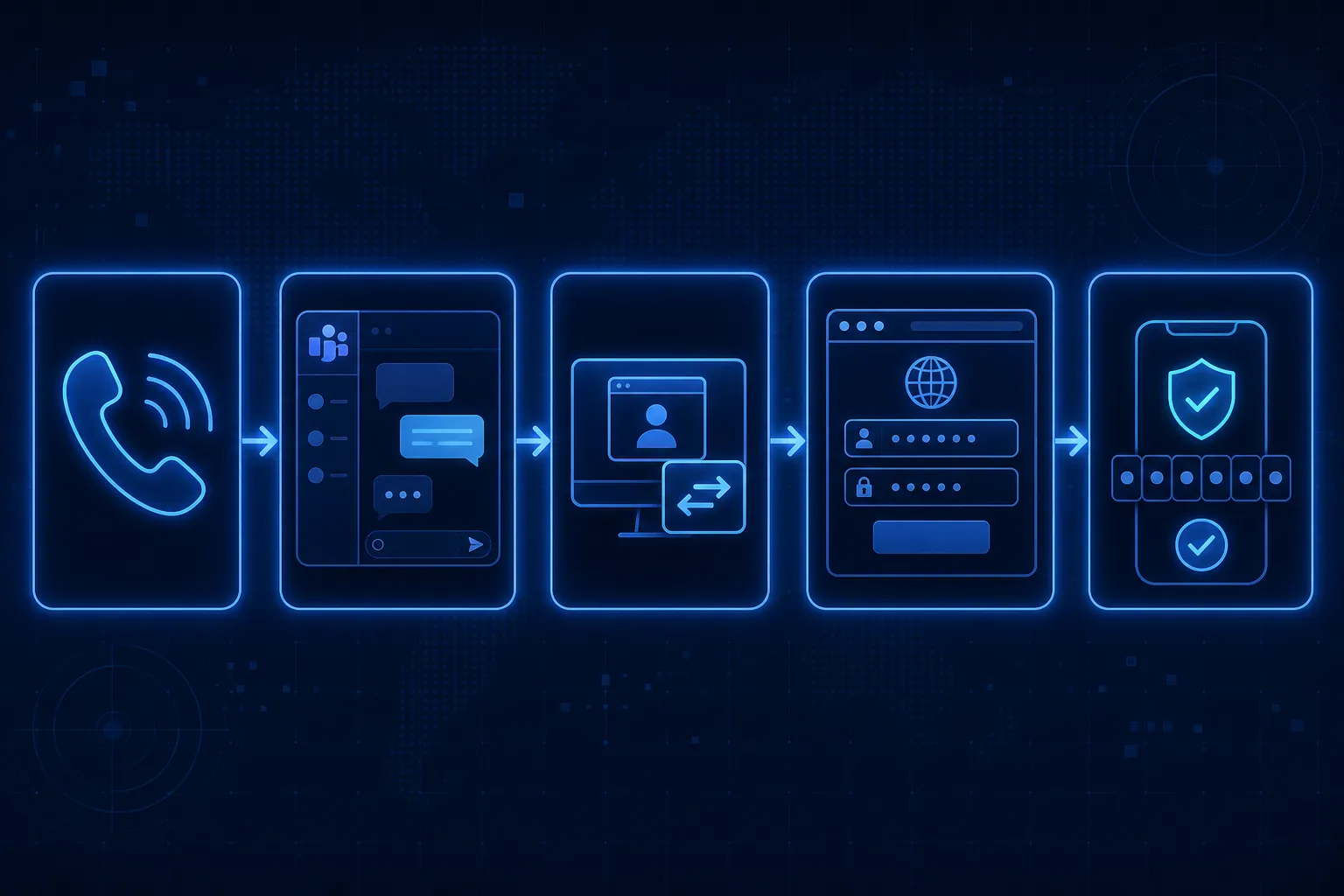
Across recent investigations from Google Threat Intelligence, Mandiant, and Microsoft, the pattern is consistent: the voice call, Teams chat, or fake IT support conversation is often only the setup. The attacker still needs the employee to take a dangerous action in a browser, an authentication flow, or a legitimate IT workflow.
Modern social engineering is increasingly about creating enough trust to convince an employee to take that action. Defenders therefore need to think not only about whether employees recognize the manipulation, but also whether they can interrupt the risky action that follows.
The Call Is the Setup. The Action Is the Objective.
Traditional phishing is often framed as a bad email followed by a bad click. That model still matters. It is no longer the whole story.
Current social engineering attacks increasingly use live human interaction. Attackers impersonate IT support over the phone or Microsoft Teams, then walk the employee through steps that sound completely normal in context:
- visit a fake SSO or login page
- enter credentials
- approve an MFA request
- enter a device code
- install remote-access or IT-support software
- download a file
- authorize an application
- install a browser extension
- change a security setting
Fake IT support is an especially effective pretext because employees are expected to cooperate with IT. Urgency plus authority plus a familiar workflow is a powerful combination. The interaction may begin over the phone, Teams, text, or email. The decisive action often happens later.
What Recent Investigations Show
The recent cases do not all belong to one hacking group. Taken together, they show how voice phishing and cross-channel social engineering are being used in practice.
Help-desk calls that steer employees into credential theft
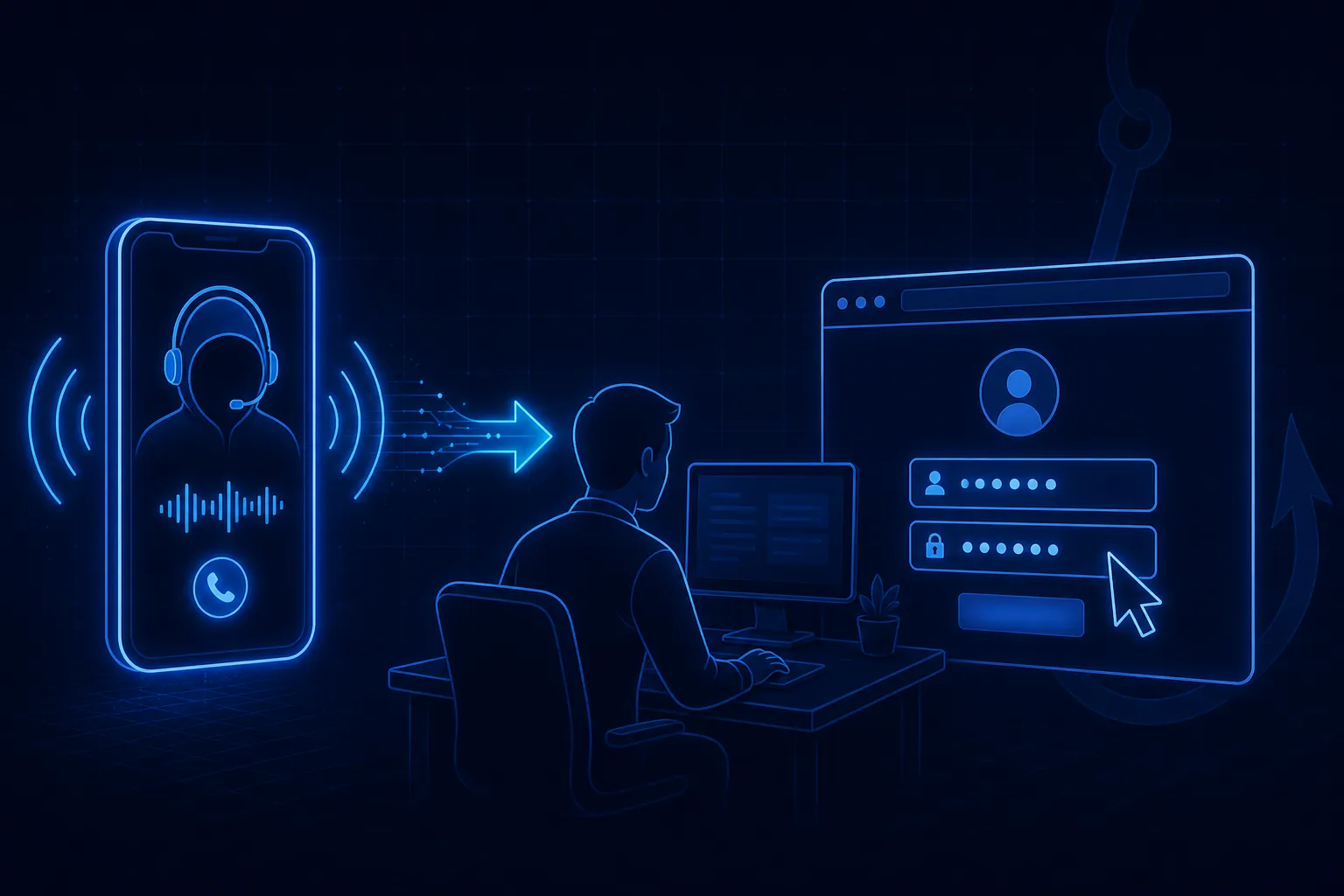
In the Reuters (https://www.reuters.com/world/hackers-targeted-us-private-equity-other-firms-including-blackstone-cme-data-2026-08-06/) reporting from August 6, 2026, attackers reached employees on personal cellphones while pretending to call from the company help desk, sometimes displaying the correct help desk number. They claimed there was an urgent IT directive to update passkeys or multifactor authentication, then steered targets toward booby-trapped websites. If the employee entered a password, the attackers could harvest the fail-safe passcode live on the call and hijack the account before the conversation ended.
That is classic vishing with a browser handoff: trust on the phone, compromise through credential entry and MFA interception.
IT impersonation that leads to remote access tools
Google Threat Intelligence's June 5, 2026 reporting (https://cloud.google.com/blog/topics/threat-intelligence/targeted-campaign-us-law-firms) on a targeted campaign against U.S. law firms described attackers calling employees while impersonating IT, then convincing them to begin screen-sharing sessions or install legitimate remote monitoring and management software. Mandiant attributed related operations to UNC3753, noting that callers used pretexts such as data migration or security issues, directed targets into Zoom, Microsoft Teams, or Quick Assist sessions, and often tried to establish more persistent access with commercial RMM tools.
Microsoft's March 16, 2026 case study (https://www.microsoft.com/en-us/security/blog/2026/03/16/help-on-the-line-how-a-microsoft-teams-support-call-led-to-compromise/) made the handoff even clearer. After persistent Microsoft Teams voice phishing, an attacker impersonating IT support convinced a user to grant remote access through Quick Assist. Once that access was in place, the attacker steered the user to a malicious website, captured corporate credentials through a spoofed form, and initiated malicious downloads. The compromise began as a support conversation. It became an intrusion through browser-based credential theft and software installation.
Legitimate Microsoft authentication flows abused for MFA phishing
Checking the URL alone is no longer sufficient in every case. Microsoft's April 6, 2026 analysis (https://www.microsoft.com/en-us/security/blog/2026/04/06/ai-enabled-device-code-phishing-campaign-april-2026/) of an AI-enabled device code phishing campaign showed attackers directing employees into genuine Microsoft authentication flows. Victims could land on a real Microsoft device login experience while still authorizing an attacker-controlled session. In some variants, the code was generated dynamically and even copied to the clipboard so the user could paste it into the legitimate page.
MFA remains important. These campaigns show that MFA can also be socially engineered. The employee is not always bypassing MFA. Sometimes the employee is approving it for the attacker.
Teams trust turned into a malicious browser extension
Google Threat Intelligence's April 23, 2026 reporting (https://cloud.google.com/blog/topics/threat-intelligence/unc6692-social-engineering-custom-malware) on UNC6692 described attackers impersonating IT through Microsoft Teams, directing the employee into a browser-based workflow, and ultimately installing a malicious Chromium browser extension. The extension was not delivered through the Chrome Web Store. It arrived because the employee trusted the support interaction enough to follow the browser steps the attacker prescribed.
That is browser-based phishing in the broadest sense: the browser becomes the place where trust created elsewhere turns into durable access.
Why the Browser Keeps Showing Up
Across these campaigns, the browser is repeatedly the handoff point. It connects users to SSO, SaaS applications, credential entry, downloads, extensions, and authentication.
That is why phishing protection beyond the inbox has become more important, not less. Email filters may never see the Teams call. Phone systems may never see the fake login page. The moment of compromise is often the moment the employee enters a password, pastes a device code, approves access, downloads a helper tool, or installs an extension.
Attackers can also abuse legitimate tools and legitimate websites as part of the attack. Quick Assist is a real Microsoft utility. Device login pages can be real Microsoft domains. RMM software can be commercial products employees have seen IT use before. The legitimacy of the component is part of the social engineering.
A Useful Distinction: Trust Is Not Yet Compromise
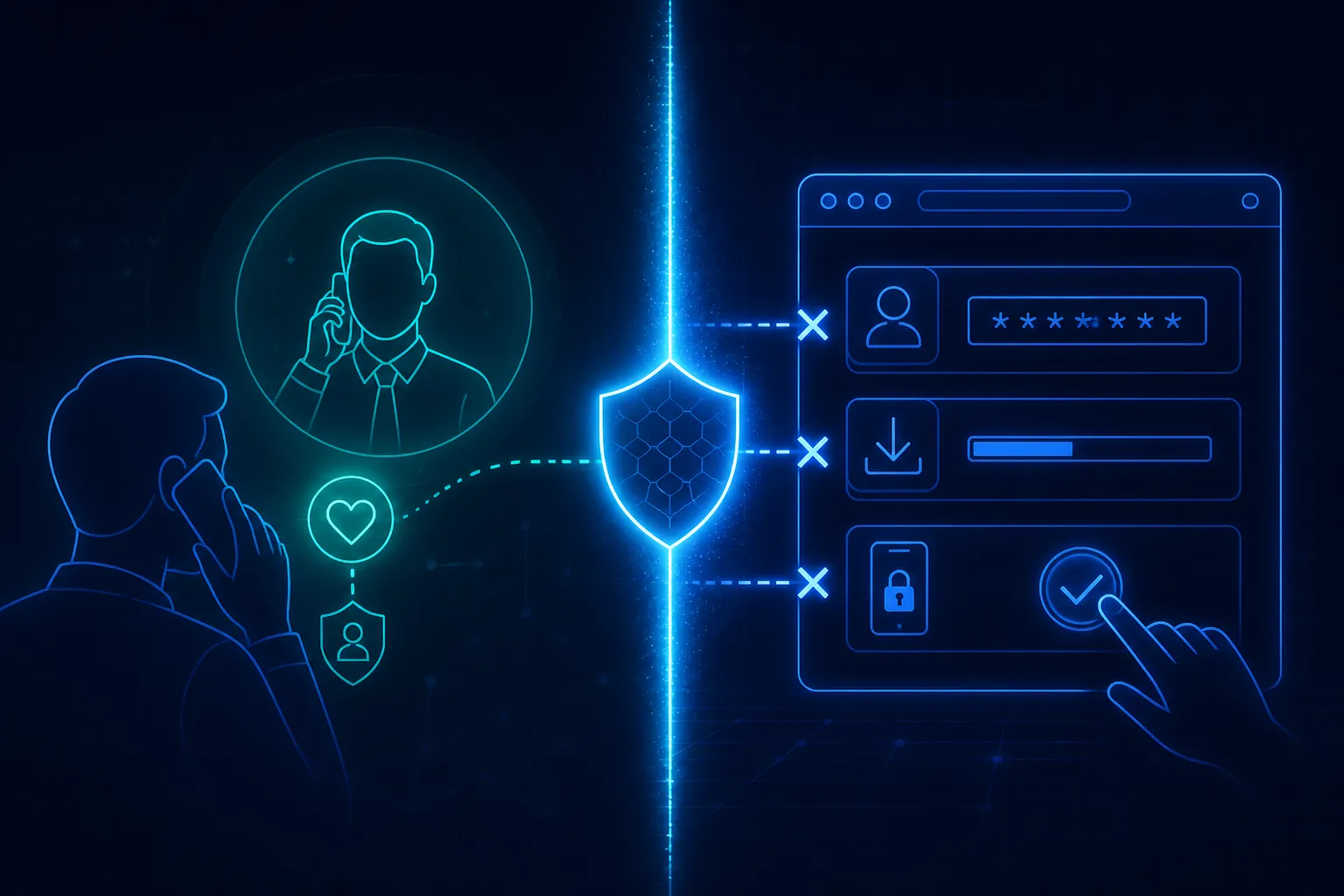
Successful social engineering does not always equal successful compromise. There may still be an opportunity to stop the risky action after the employee believes the attacker.
That distinction matters operationally. If defenders only ask whether employees can spot the fake IT call, they leave the second half of the attack unaddressed. If they also ask whether the organization can interrupt credential entry, MFA approval, device code use, risky downloads, or unauthorized extensions, they still have a chance after the manipulation works.
Mandiant's M-Trends 2026 executive reporting (https://cloud.google.com/security/resources/m-trends-executive-edition) put the broader shift in context: voice phishing rose to 11% of observed initial infection vectors in investigated incidents, while email phishing fell from 14% in 2024 to 6% in 2025. That is evidence of changing methods, not proof that email phishing is disappearing. Email still matters. Live interaction is becoming a larger share of how initial access is earned.
What Defenders Should Take From This
Training should still help employees recognize manipulation: unexpected IT calls, pressure to act immediately, requests to install support tools, and instructions to approve authentication for someone else. But recognition alone is not enough when the attacker is on the line, coaching the next step in real time.
Organizations also need protection at the point of action. That includes controls around remote assistance tools, stricter handling of external Teams contact, better signals around unusual authentication flows, and browser security that can intervene when a user is about to complete a risky step. The same philosophy applies to human risk management more broadly: protect first where the irreversible action happens, then reinforce safer behavior with training and realistic practice.
Simulations and awareness still have a role. Employees need practice against fake IT support, MFA pressure, and browser-based handoffs, not only against poorly written emails. As AI phishing makes written lures cleaner, live coaching over the phone or Teams becomes an even more attractive way to close the remaining gap.
The Bottom Line
The attacker may create trust over the phone or through Teams, but the real objective is often the action that follows. Modern human-risk defense needs to account for both the manipulation and the moment when that manipulation turns into a credential entry, approval, download, installation, or other risky action.
Voice phishing is not replacing email phishing. It is expanding the attack surface into conversations employees are conditioned to trust. The organizations that adapt will treat the call as the opening move, and the browser, authentication flow, or install prompt as the place where the attack can still be stopped.