Your clients need protection at the people layer, and your team is already at capacity. Both are true for most small MSPs, and together they usually lead to the same answer: “We’ll get to it.”
The numbers back up both halves. In Kaseya’s 2026 State of the MSP report (https://www.kaseya.com/assets/downloads/resources/Kaseya_2026-State-of-the-MSP_report_2026.pdf), a survey of 1,061 MSPs, 61 percent said most or all of their clients turn to them for cybersecurity advice. But 39 percent said they struggle to hire cybersecurity professionals (up from 29 percent a year earlier), and almost half named the complexity of security products as a top barrier to growing their security services. Kaseya’s conclusion is that MSPs need simpler tools and workflows to deliver “security efficiently without significantly increasing headcount.”
Human-risk protection is a good place to apply that. It doesn’t have to mean hiring a security awareness coordinator or burning technician hours on phishing campaigns. With the right approach, it can run like the rest of your stack: deployed once, managed from one place, and reported on without a lot of manual work. Here’s how to think about it.
Why Is the Human Layer Where Clients Are Exposed?
Most MSPs have the technical layer covered: endpoint protection, email filtering, MFA, patching, and backups. Attackers know that, so they’ve moved to where those tools have less reach: the moment a person makes a decision. Verizon’s 2026 Data Breach Investigations Report (https://www.verizon.com/business/resources/Te26/reports/2026-dbir-data-breach-investigations-report.pdf) found a human element in 62 percent of breaches.
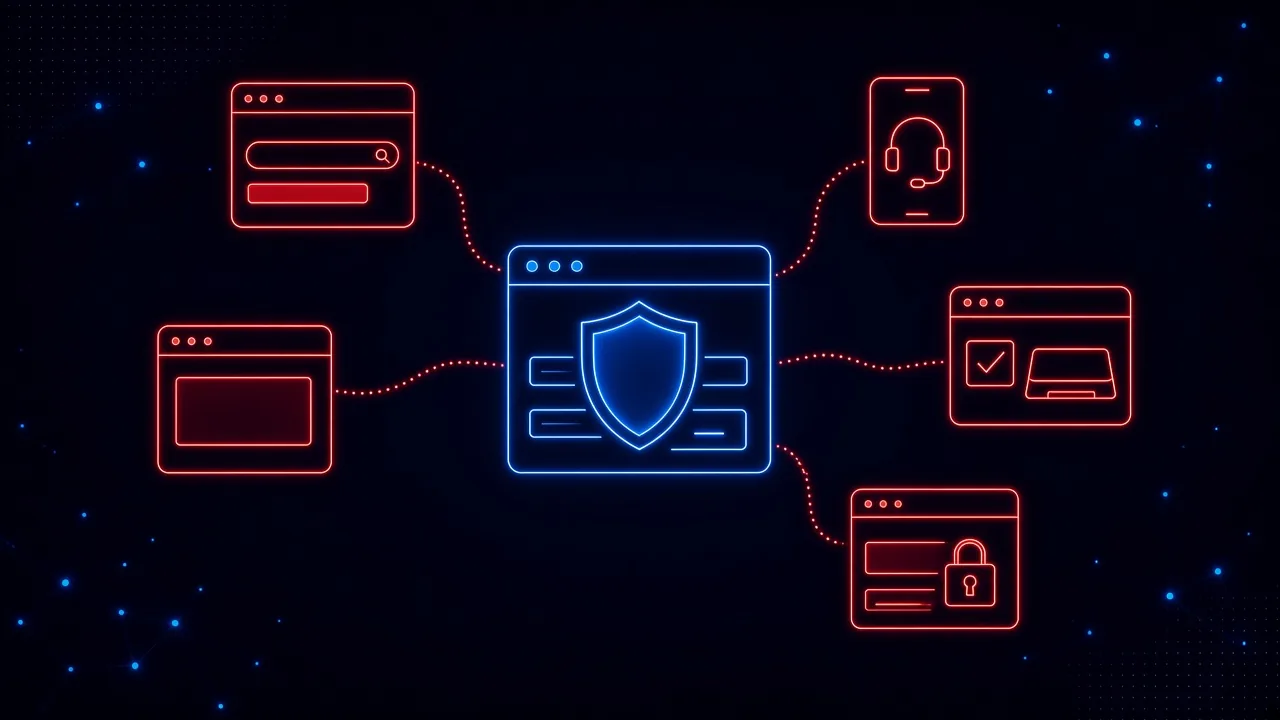
That moment doesn’t only happen in the inbox anymore. It happens when someone:
- Clicks a sponsored search result that leads to a convincing fake site
- Gets a call from “IT support” and is walked to a sign-in page or a remote access download
- Opens a shared document link that asks them to sign in again
- Lands on a fake CAPTCHA page that tells them to paste a command
- Types a password into a lookalike login for a service your filters never saw
These aren’t hypothetical. ConnectWise’s 2026 MSP Threat Report (https://www.connectwise.com/globalassets/media/asset-docs/ebook/2026-msp-threat-report.pdf) focuses on MSP-managed environments and the small businesses they support, and it calls fake-verification attacks like ClickFix “one of the most reliable and repeatable initial access methods” of 2025. Ontinue reported in October (https://www.prnewswire.com/news-releases/ontinue-threat-intelligence-report-finds-nearly-one-third-of-organizations-targeted-by-fake-it-support-scams-on-microsoft-teams-302906391.html) that about 30 percent of the organizations it monitors saw at least one fake IT support attempt over Microsoft Teams in the first half of 2026. And Verizon found that in phishing simulations, voice and text attacks had a median success rate 40 percent higher than email.
Some of those calls will claim to be you
For MSPs there’s an extra twist: the most convincing pretext is your own name. At CRN’s XChange conference in August, CrowdStrike’s Justin Bradley told MSP executives (https://www.crn.com/events/2026/major-ransomware-groups-among-biggest-attackers-of-msp-customers-crowdstrike-exec) that nearly every criminal group he was presenting on is “specifically attacking MSPs and your SMB customers.” He described a tactic used by Scattered Spider, the group behind the 2023 MGM attack: flood a user’s inbox with spam, then call them posing as a technician from their MSP, offer to fix it, and talk them into launching a remote management tool. Your clients’ staff are used to hearing from their IT provider, and attackers count on it. We covered how these calls hand off to the browser in Hackers Are Calling Employees.
Most of these attacks end in the browser, and none of them wait for the annual training session. A team that finished its training in March is on its own when the fake login shows up in October.
Why Do Awareness Programs Eat Technician Time?
Many MSPs already offer security awareness training. The problem is less the training itself than the work around it:
- Building campaigns. Someone has to pick templates, schedule sends, and adjust them for each client.
- Chasing completions. Reminders, follow-ups, and “did everyone finish?” emails add up across dozens of clients.
- Handling the fallout. Every simulation produces confused users, tickets, and the occasional upset manager.
- Reporting. Pulling numbers into a QBR deck for each client is another manual job.
Multiply that across your client base and it quietly becomes a part-time role. And after all that effort, the program still only shows up a few times a year.
What Does Low-Touch Human-Risk Protection Look Like?
If you want to offer this without adding headcount, look for five things.
- It protects first. The biggest time saver is stopping the bad click before it becomes an incident. Real-time protection that steps in when someone is about to enter a password on a fake page, or download something risky, prevents the cleanup work entirely. As we’ve argued before, phishing doesn’t end at the inbox, so that protection has to reach the browser.
- It deploys like the rest of your stack. A browser extension pushed with a force-install policy through Microsoft Intune, Google Admin Console, or Firefox enterprise policies, with single sign-on and SCIM directory sync, means no per-user setup and no new agent to babysit.
- Training happens in the moment. A short explanation right after a real or simulated catch, about the thing the person just saw, sticks better than a module months later. It also removes most of the scheduling and reminder work.
- Simulations run themselves. Adaptive simulations that adjust to each person and to current threats replace hand-built campaigns.
- One dashboard covers every client. A multi-tenant view with per-client reporting turns QBR prep into a click instead of a project.
How Do You Roll It Out in a Normal MSP Week?
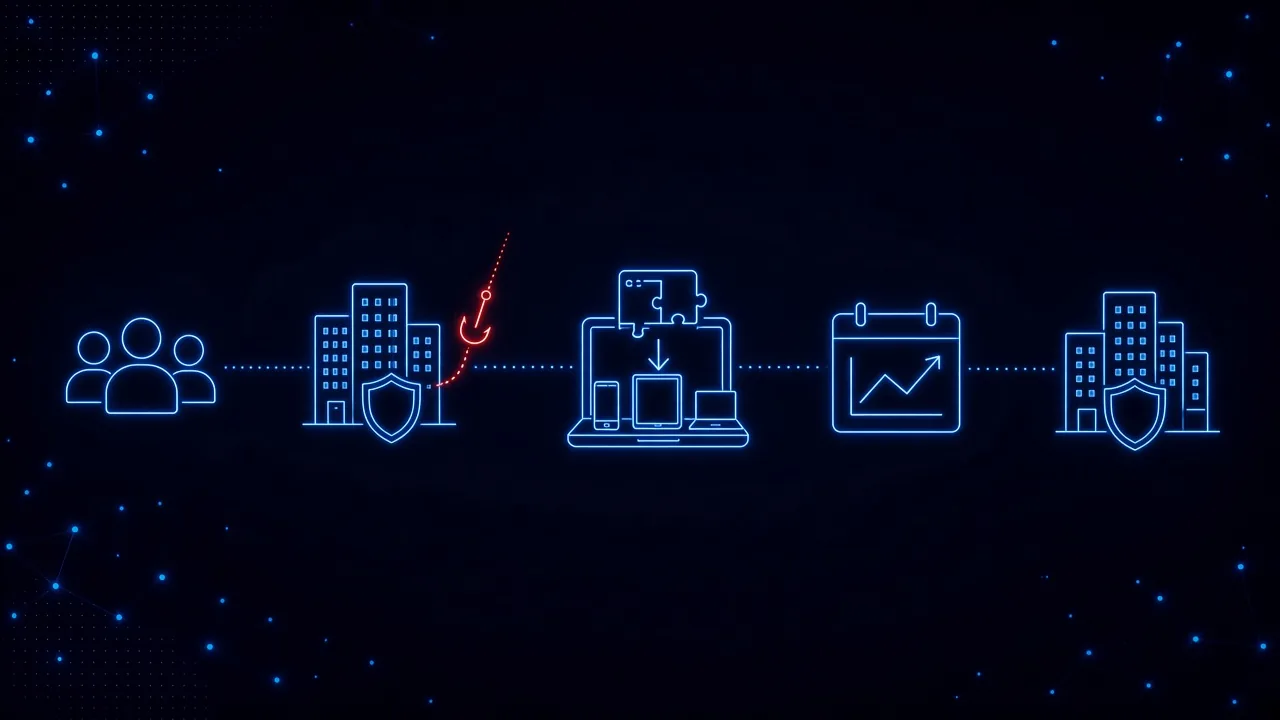
You don’t need a big launch. A simple path looks like this:
- Start with your own team. Run it internally first so your techs know what users will see and can answer questions confidently.
- Pick one or two clients with the most at stake. Law firms, accounting practices, healthcare offices, and nonprofits handling donor data are good first candidates.
- Push it through the tools you already use. Deploy through Intune or Google Admin during a normal maintenance window.
- Tell clients how you will and won’t contact them. Because attackers impersonate MSPs, give every end user a simple rule, such as “we’ll never ask you to install remote access software on a call you didn’t expect,” along with the number to call back. It costs nothing and makes your name harder to borrow.
- Let it run for a few weeks. Watch what gets caught. Real catches from a client’s own environment make the best QBR talking points.
- Package it and expand. Add it to your security bundle or offer it as an add-on, then roll it out to the rest of your clients with the same playbook.
What Should You Ask Any Vendor?
Whether you look at SavvyShield or someone else, these questions will tell you quickly whether a tool adds work or removes it:
- Does it protect users during real attacks, or only test them with simulations?
- Does it cover the browser, where fake logins, malicious ads, and risky downloads actually happen?
- Can I deploy it through Intune or Google Admin without touching each device?
- Can I manage all my clients from one dashboard and pull per-client reports?
- How long are the lessons, and when do users see them?
- Can I try it on my own team before I commit a client to it?
Protect First, Then Train
Human-risk protection doesn’t have to be another program your team runs by hand. When it stops the risky click in the moment and teaches right then, it reduces tickets and incidents instead of creating more work. Your clients already look to you for security advice. This is a way to give them more of it without giving your team more to do.
How SavvyShield helps: SavvyShield was built for exactly this. Our browser extension steps in during real attacks, from fake sign-in pages to malicious ads and fake verification checks, and deploys through Intune, Google Admin, or Firefox policies with SSO and SCIM. Short lessons are tied to what users actually see, and adaptive simulations generate themselves for each person. For MSPs, we link your client accounts to your partner dashboard during setup. You get one tile per client showing users, average Savvy Score, at-risk users, and this month’s detections. You can open any client’s admin view in a click, and email each client a security summary of scores, detections, training, and simulations, sent to the contacts you save for them. If you’re an MSP that wants to offer human-risk protection without adding headcount, we’d be glad to set you up on your own team first. Talk with us or try the interactive demo.