On the evening of Thursday, October 29, attackers drained about $6.3 billion from the hot wallets of Binance, the world’s largest cryptocurrency exchange. The first unauthorized transfer went out at 20:05 UTC and the last at 23:56 UTC. In just under four hours, it became the biggest crypto theft in history. Two days later, the FBI attributed it (https://www.fbi.gov/investigate/cyber/alerts/2026/north-korea-responsible-for-6-billion-binance-attack) to TraderTraitor, a North Korean state-sponsored group. North Korea denies it.
On Tuesday, Binance published its first incident report, and the most striking part isn’t the final four hours. It’s the months before them. According to the report, the attackers got their foothold through a job interview. A recruiter reached out to a Binance engineer, set up two rounds of interviews with a company that didn’t exist, and then asked him to complete a take-home coding assignment on his work laptop.
Most companies don’t hold billions in cryptocurrency. But every company has employees who look at job offers, search for software, and want to make a good impression on a hiring manager. Here is what happened at Binance, why it worked, and what every organization should take from it.
What Happened in the Binance Hack?
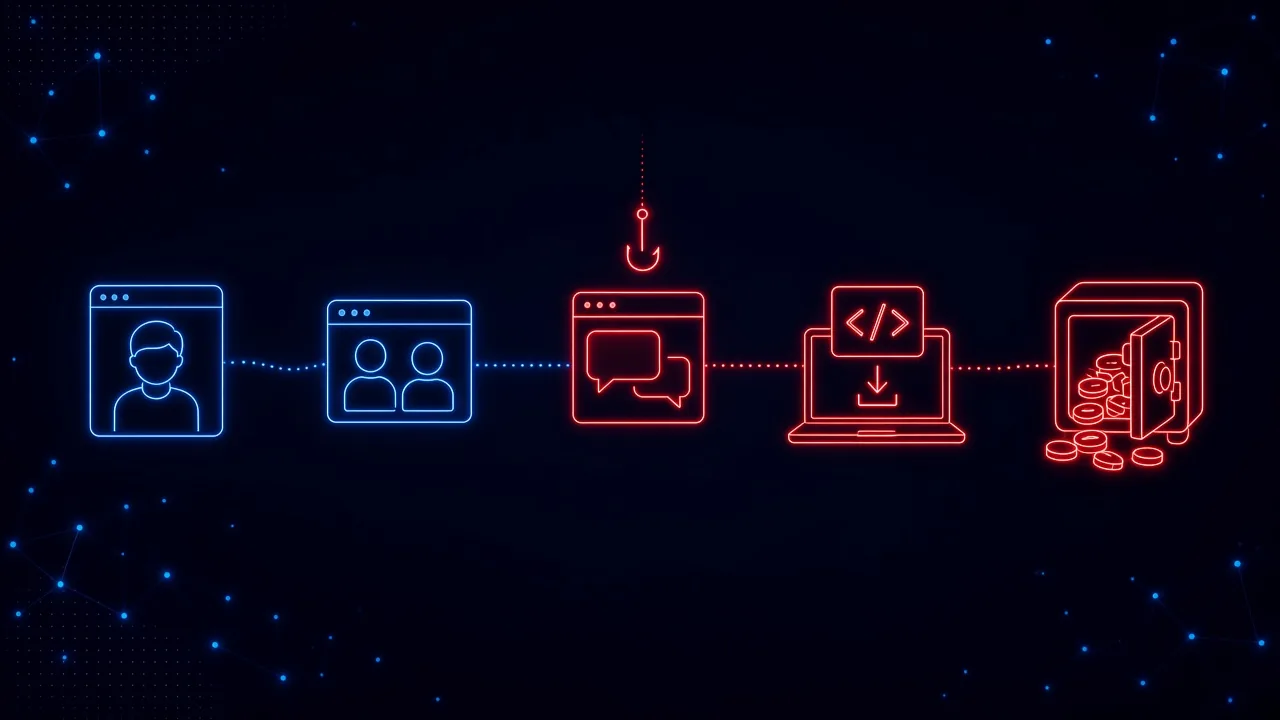
Binance says the theft “was not a single isolated breach or a simple phishing incident” but a multi-stage campaign. Based on its report, as covered by The Register (https://www.theregister.com/security/2026/11/03/north-korean-fake-job-interview-led-to-63b-binance-heist/5307398) and SecurityWeek (https://www.securityweek.com/rigged-coding-assignment-abused-ai-tool-opened-path-to-6-billion-binance-heist/), it unfolded in four stages:
- June: a bad download. A wallet DevOps engineer looking for a popular AI coding tool installed a tampered copy of Homebrew, a common developer tool for Macs. Binance’s security team caught it, replaced his laptop, and rotated his credentials. But by then, the attackers had learned what he did and who he worked with on the wallet infrastructure team.
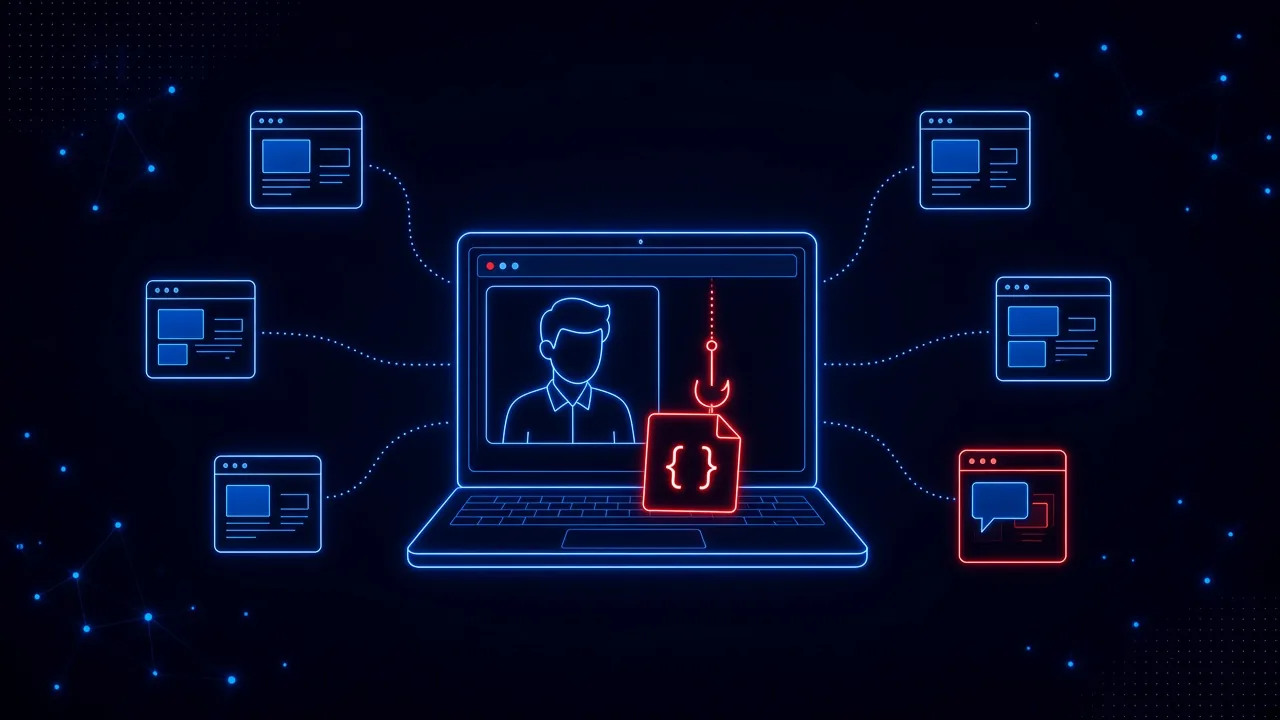
- September: the job interview. A second engineer, whose profile on a job platform mentioned his experience at Binance, was approached by someone posing as a project director. A fake HR representative ran a live video interview. A fake CEO ran the second round on a chat app and ended it by asking the engineer to download a coding “assignment” onto his work computer. The code ran during setup and quietly swapped a legitimate developer tool for a malicious copy that connected to the attackers’ server.
- October 20: spreading out. From that laptop, the attackers used an internal AI tool to take control of the first engineer’s computer and a third engineer’s computer. The first engineer’s machine held a token that allowed container deployments. The report does not explain how the AI tool was used.
- October 29: the theft. The attackers signed in to the third engineer’s computer, used the stolen token to deploy a container, and used Binance’s own wallet signing service to move funds out of its hot wallets.
Binance says roughly $2.85 billion of the stolen assets has been frozen or intercepted, and that it is covering customer losses. It has rebuilt the affected systems, replaced the devices, and retired every credential tied to the three engineers. Its statement was blunt: “This should not have happened.” This is a preliminary report, and some details may change as the investigation continues.
Why Did a Fake Job Interview Work?
The September stage is the one every organization should study, because almost none of it looks like the phishing that security training usually prepares people for.
It was an offer people want to receive
Most phishing has to overcome suspicion. A recruiter’s message usually doesn’t. It is flattering, it is about the employee’s own career, and replying to it feels like a personal decision rather than a work one. Rohan Gupta, CEO of the social engineering defense company Diopter, told TechTarget (https://www.techtarget.com/news/binance-details-recruiter-impersonation-behind-63b-wallet-breach/873650/):
“Once attackers know who holds the keys, they often go after those people directly, and a recruiter’s pitch is one of the few approaches a target is likely to welcome without suspicion.”
It built trust slowly, with real faces
This wasn’t a single message. There was a project director, an HR representative, and a CEO. The first interview was a live video call, and the interviewer shared a social media account full of personal photos and videos to seem real. Binance called it “more advanced and deceptive than previously seen social engineering approaches.” Common advice says fake recruiters avoid video calls. These ones didn’t.
The dangerous request was a normal one
Take-home coding tests are a routine part of hiring software engineers. Downloading a project and running its setup is exactly what a candidate is expected to do. Nothing about the request would have looked unusual to someone who has interviewed before, and the code that ran during setup slipped past Binance’s endpoint security. In Binance’s words, “the 0-day malware was not detected by the endpoint security protection tools at the time.”
It never touched the corporate inbox
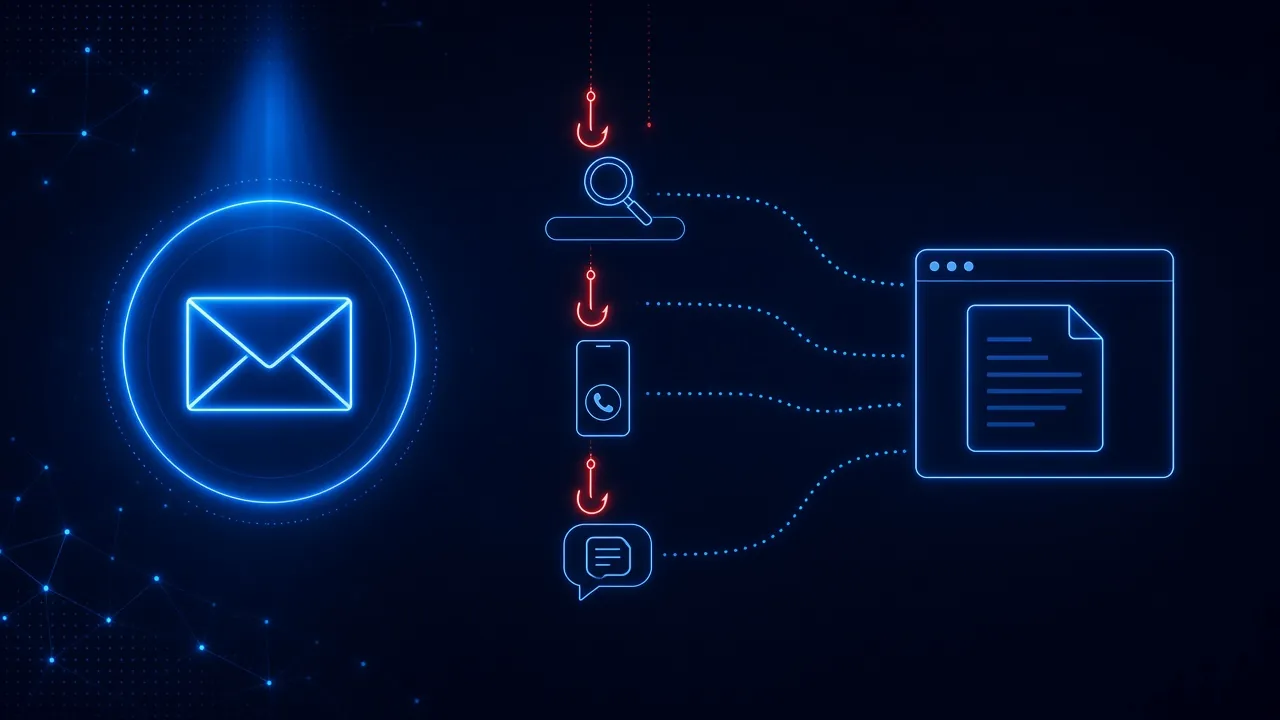
The approach came through a job platform (Binance executives told Fortune (https://fortune.com/2026/11/03/binance-hack-details-linkedin/) it was LinkedIn), moved to a video call, and then to a chat app. No email filter ever saw it. The only corporate system involved was the laptop the engineer happened to be using.
Binance told Fortune that employees in non-public-facing roles aren’t allowed to keep LinkedIn profiles at all. Policies like that help, but they run into how people live. Employees look for jobs, they keep profiles current, and they answer recruiters, often on the same device they use all day. A rule that people quietly work around isn’t a control. As we’ve written before, shame doesn’t teach, and blaming one engineer for a campaign that a nation-state spent months building misses the lesson.
Is This Only a Problem for Developers and Crypto Companies?
Binance doesn’t name the campaign, but the playbook is well known. Researchers call it “Contagious Interview,” and it has been running since at least December 2022, according to Microsoft (https://www.microsoft.com/en-us/security/blog/2026/03/11/contagious-interview-malware-delivered-through-fake-developer-job-interviews/). Microsoft says the malware hunts for API tokens, cloud credentials, signing keys, crypto wallets, and password manager data, because developer laptops open the door to source code, build pipelines, and production systems.
The scale is larger than one exchange. A joint advisory (https://www.cyber.gov.au/advisory/north-korean-waterplum-commonly-referred-to-as-contagious-interview-cyber-actor-group-targeting-it-professionals) published in September by Japanese police, the FBI, and agencies in Australia and Germany says the group infected at least 30,000 computers in more than 100 countries between December 2025 and July 2026. Its targets were web designers and engineers as well as crypto specialists, recruited through social media, job sites, gig platforms, and freelance marketplaces. Victims were told to run files to complete a coding assignment or to “troubleshoot an error” in the video conferencing software.
Binance itself says it detected and blocked 57 suspected North Korea-linked attempts this year. And Chainalysis (https://www.chainalysis.com/blog/binance-hack-dprk-employment-fraud/) has tied more than $14.3 million in losses over the past 18 months to dozens of smaller fake-interview compromises, which it believes gave the attackers practice. As one of its analysts put it: “That’s how you end up with the biggest heist in history.”
Developers are the favorite target because of what their laptops can reach, but the technique works on anyone. California’s financial regulator warns job seekers in general (https://dfpi.ca.gov/alert/the-job-interview-malware-trap/) about “skills tests” that ask applicants to download a program or test script, and it spells out the business risk: “If the device is connected to a workplace system, this could also put your employer at risk.” A finance manager asked to open a “case study” spreadsheet, or a designer asked to install a plugin for a portfolio review, faces the same trap with different details.
What About the Fake Download in June?
The interview gets the headlines, but the attack started with something even more ordinary. According to Fortune, the June engineer didn’t get Homebrew through Binance’s normal channels. He clicked an internet ad for a tampered version.
Binance hasn’t said which ad it was, but this kind of trap is well documented. In May, the SANS Internet Storm Center described (https://isc.sans.edu/diary/32942) paid Google search ads for “Homebrew” that led to a convincing copy of the real install page, hosted on sites.google.com. Like the real page, it told visitors to paste an install command into their terminal. Unlike the real one, the command was encoded and installed MacSync Stealer, malware that collects data from the computer and sends it to the attackers.
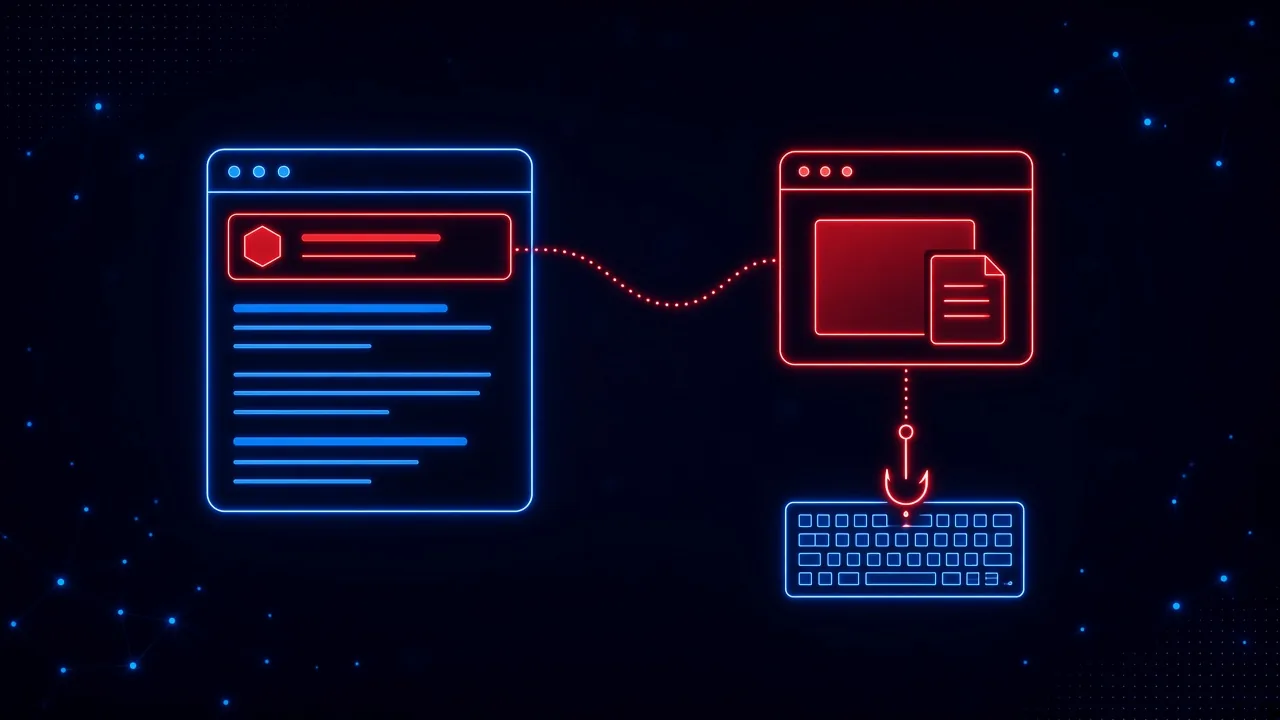
If that sounds familiar, it’s because it’s a close cousin of ClickFix, where a web page talks people into running a command themselves. Ads are especially effective with developer tools, because pasting install commands from a website is a normal part of the job.
The bigger lesson is what happened after Binance caught it. The security team did the right things: it replaced the device and rotated the credentials. The attackers still left with a map of who worked on the wallet team, and three months later they went after one of those people with a job offer. A contained incident can still tell attackers who to target next.
Where Could the Attack Have Been Stopped?
Much of what happened after the first foothold is a lesson for security and engineering teams. An internal AI tool could be used to reach other engineers’ machines. A container deployment token sat on a laptop. A wallet delegation couldn’t be revoked quickly. Binance is reviewing all of that with outside experts.
But the first steps of both compromises were human decisions, made in a browser or a chat window, with no email involved:
- Clicking a sponsored search result to download a developer tool
- Pasting an install command from a web page into a terminal
- Moving a job conversation from a professional platform to a chat app
- Downloading and running a stranger’s code on a work computer
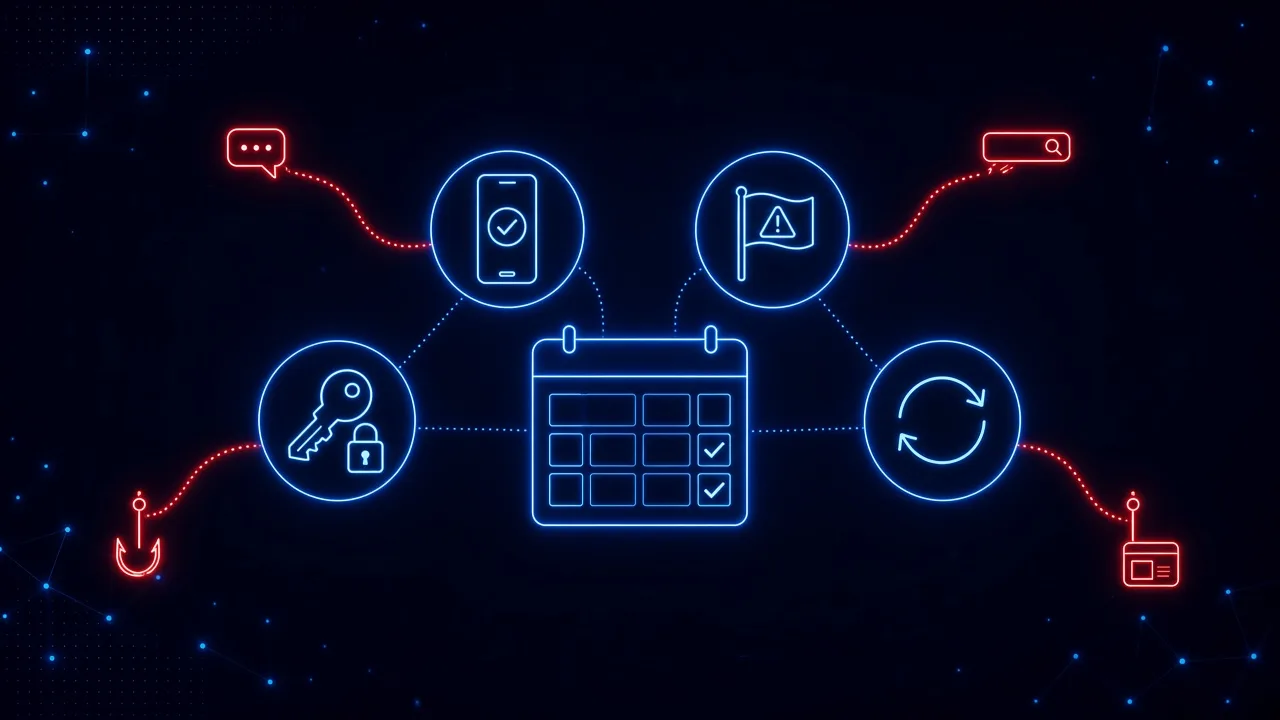
Each of those is a moment where a pause, a second look, or a warning could have broken the chain. This is where awareness training has to improve. For many programs, “security awareness” still means spotting a suspicious email or a business email compromise attempt. Those threats are real, but none of them describe what happened here, and the moments above are exactly the ones most programs never practice, because they don’t happen in the inbox. It’s why we keep saying phishing doesn’t end at the inbox, and why awareness programs that only test email leave the biggest gaps untested.
What Should Organizations Do Now?
For security and IT teams:
- Make one rule explicit: work devices are not for interview tests, take-home assignments, or any code or files from someone outside the company. Say it in writing, and say it without judgment about people looking for jobs.
- Give people a safe alternative. If engineers need to look at untrusted code, provide a disposable virtual machine or sandbox so they don’t have to choose between curiosity and the rules.
- Treat recruiter outreach as part of the attack surface for anyone with privileged access. Brief those people directly. They are the ones attackers will research.
- Install tools from known sources. Point employees to official download pages or an internal software catalog, and discourage downloading software from search ads.
- Assume a laptop can be compromised. Keep long-lived deployment tokens and signing credentials off everyday machines, and limit what any one device can reach.
- After any incident, ask what the attacker learned, not just what they touched. If they saw your org chart, warn the people on it.
For everyone else, a few habits worth sharing with your team this week:
- A real recruiter won’t need you to run code on your work computer. If a test requires a download, do it somewhere that isn’t connected to your job, or ask your security team first.
- Verify the company on your own. Look it up independently, check that its website and staff exist outside the profiles the recruiter sent you, and be wary of companies you can’t find anywhere else.
- Notice when the conversation moves. A switch from a job platform to a personal chat app is a common step before the ask.
- Skip the sponsored results for software. Go to the official site you already know, and never paste a command from a web page you don’t fully understand.
- Report it, even if you already clicked. The sooner security knows, the smaller the damage. Nobody should be afraid to say “I think I ran something I shouldn’t have.”
Your Employees’ Job Search Is Part of Your Attack Surface
Attackers used to go after employees where they work: the inbox, the help desk, the login page. Increasingly, they go after employees as people, through their careers, their ambitions, and the tools they use to get through the day. That is harder to filter and easier to fall for, because it doesn’t feel like a work decision until it’s too late.
Binance had a security team that caught the first attempt and stopped 57 others. One convincing recruiter was still enough. You can’t stop your people from being contacted. What you can do is make sure they recognize the moment a friendly conversation asks them to download, paste, or run something, and give them protection that steps in when that moment comes.
How SavvyShield helps: SavvyShield protects the moments where attacks like this one begin. Our browser extension analyzes pages in real time and steps in when an employee lands on a malicious ad, a fake download page, a page that asks them to paste a command, or a fake sign-in page, whether they got there from a search, a chat message, or a social media profile. Each warning comes with a short explanation of what gave the page away. Because SavvyShield generates many different kinds of attacks rather than recycling a fixed template library, our realistic simulations can recreate emerging threats like this one as they appear, in the browser as well as the inbox, so your team practices the situations they actually face. And bite-sized training keeps lessons like “never run a stranger’s code on a work device” fresh. Want a quick read on your team? Try our free cyber savviness quiz.