On October 1, the National Cybersecurity Alliance launched (https://www.globenewswire.com/news-release/2026/10/01/3372936/0/en/the-national-cybersecurity-alliance-launches-the-23rd-annual-cybersecurity-awareness-month.html) the 23rd Cybersecurity Awareness Month with a theme we liked a lot: “Don’t Make It Easy for Them.” The idea is that staying safe online isn’t one perfect decision. It’s a handful of habits, repeated in the small moments of every day, that make life harder for criminals.
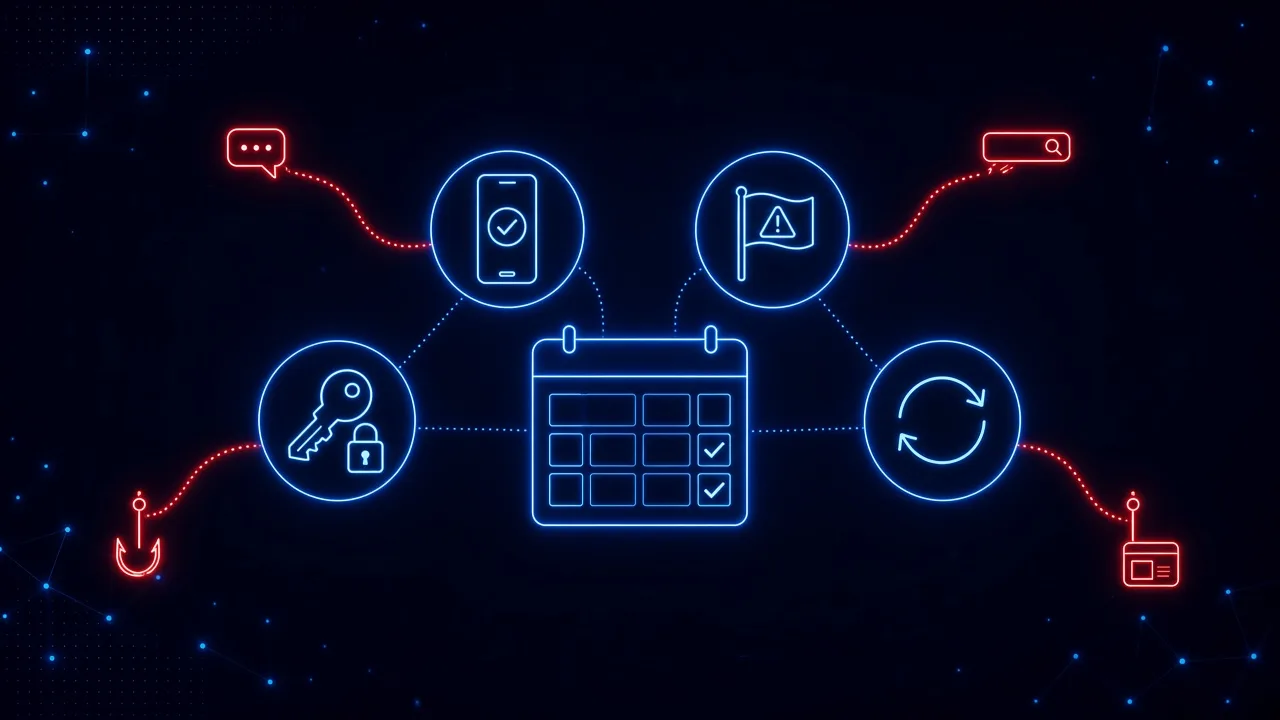
The campaign (https://www.staysafeonline.org/cybersecurity-awareness-month) centered on four of them:
- Use strong passwords and a password manager
- Turn on multifactor authentication
- Recognize and report scams
- Update your software
They are the right four. And over the last 30 days, attackers tested every one of them in public. As the month closes, here is a scorecard: what each habit was up against in October 2026, what held, what didn’t, and what to keep doing long after October ends.
Habit 1: Did Multifactor Authentication Hold Up?
On October 20, Wiz’s incident response team described a campaign (https://www.wiz.io/blog/from-phishing-to-llmjacking) that started with a search. Attackers bought Google Search ads for everyday terms like “google cloud” and “gcp.” People who clicked were sent through a redirect to a fake Google sign-in page, where they typed their password and their MFA code.
The kit then sent them back to the real Google sign-in, so they had to log in a second time. As Wiz put it, the user “likely assumed the initial attempt was a minor glitch.” Meanwhile, the attackers used the stolen password and code to sign in, linked their own cloud projects to the victim’s billing account, and ran AI workloads on the victim’s dime. Wiz says the charges reached hundreds of thousands of dollars, and because the AI ran in the attackers’ projects, the victims couldn’t even see what it was used for.
The verdict: MFA was on, and it wasn’t enough. A six-digit code can be typed into a fake page as easily as a password, and attackers now relay both in real time. MFA still stops a huge share of attacks and everyone should keep it on. But for anyone with admin or billing access, it needs to be phishing-resistant: passkeys or hardware security keys, which only work on the real site. Notice, too, where this attack started. Not in an inbox. In a search result.
Habit 2: Do Strong Passwords Help When Someone Asks for Them?
On October 8, the online retailer ASOS confirmed a breach (https://www.bleepingcomputer.com/news/security/asos-links-data-breach-to-social-engineering-attack-credential-theft/) that started with one employee. In its own words, an attacker “gained access to an ASOS employee account by impersonating a trusted contact to obtain log in credentials.” Those credentials opened third-party platforms the company uses. The breach came to light when ASOS app users received a push notification titled “Asos hacked,” with a link to Telegram.
According to the Guardian (https://www.theguardian.com/business/2026/oct/08/asos-customer-data-accessed-hacker-posing-impersonated), the data included names, addresses, phone numbers, and millions of customers’ recent search histories. ASOS says payment cards and account passwords were not accessed. Experts told the Guardian the breadth of the data could help attackers write “highly convincing” phishing. One stolen login becomes the raw material for the next wave.
The verdict: the strongest password in the world doesn’t help once someone talks you into handing it over. A password manager helps more than people realize, though, and not just for creating strong passwords. Most password managers fill a password only on the site it was saved for. When yours refuses to fill on a page that looks exactly like your company’s login, that refusal is one of the best warning signs you will get. Teach people to stop there instead of typing it in by hand.
Habit 3: Can People Still Recognize a Scam?
This was the habit October tested hardest, from two directions.
When the scam knows your booking number
On October 26, RMS, a booking platform that, according to ABC News (https://www.abc.net.au/news/2026-10-27/rms-holiday-booking-software-hacked/107315194), serves more than 6,000 hotels, holiday parks, and serviced apartments, found unauthorized access (https://status.rmscloud.com/incidents/dvjkt59rsfpp) to guest names, contact details, and booking information. Guests have been getting messages by email, text, and WhatsApp that quoted their real booking details, claimed their card had been blocked, and warned the reservation would be cancelled unless they verified their payment. Some got automated phone calls.
One email reported by ABC News (https://www.abc.net.au/news/2026-10-29/tas-federal-group-hotels-caught-up-in-rms-booking-data-breach/107317758) thanked the guest for booking, then listed their actual booking number, room type, and check-in and check-out dates. Every detail was right. That is exactly what “check the details” advice tells people to look for.
When the scam is IT support
This week, Arctic Wolf published research (https://www.helpnetsecurity.com/2026/10/27/microsoft-teams-social-engineering-fake-it-help-desk/) on more than 400 incidents with the same pattern. Often, an employee’s inbox is first buried under hundreds of newsletter and subscription emails. Minutes later, a Microsoft Teams message arrives from someone like “IT Service Desk (Matthew),” often with “(Internal)” in the name, offering to fix the problem. The chat moves to a call, and the “technician” asks the employee to open Quick Assist, the remote help tool built into Windows, and read back a six-digit code.
That code hands over the computer. Arctic Wolf found malicious code could be running in less than 15 minutes after someone engaged, and some cases ended in data theft and ransomware. The attackers even avoid sending links in Teams, where they might be scanned. Today, October 30, Microsoft detailed two more intrusions (https://www.microsoft.com/en-us/security/blog/2026/10/30/help-desk-impersonation-ad-cs-abuse-investigating-esc1-esc8-intrusion-paths/) that began the same way and reached privileged accounts, noting that the activity “did not exploit a vulnerability in Microsoft Teams.” It exploited trust.
The verdict: the classic red flags are fading. The booking scam had no typos and every detail was correct. The fake help desk showed up right after a real problem, in a tool employees trust more than email. As Arctic Wolf noted, “Employees are generally trained to treat email with suspicion,” and the attackers simply went somewhere else. What still works is recognizing the request: an unexpected contact that asks you to pay, verify, approve, or hand over control. That is the moment to stop and reach the person or company through a channel you choose yourself. We wrote about this pattern in why hackers are calling your employees.
Habit 4: Did Updates Arrive in Time?
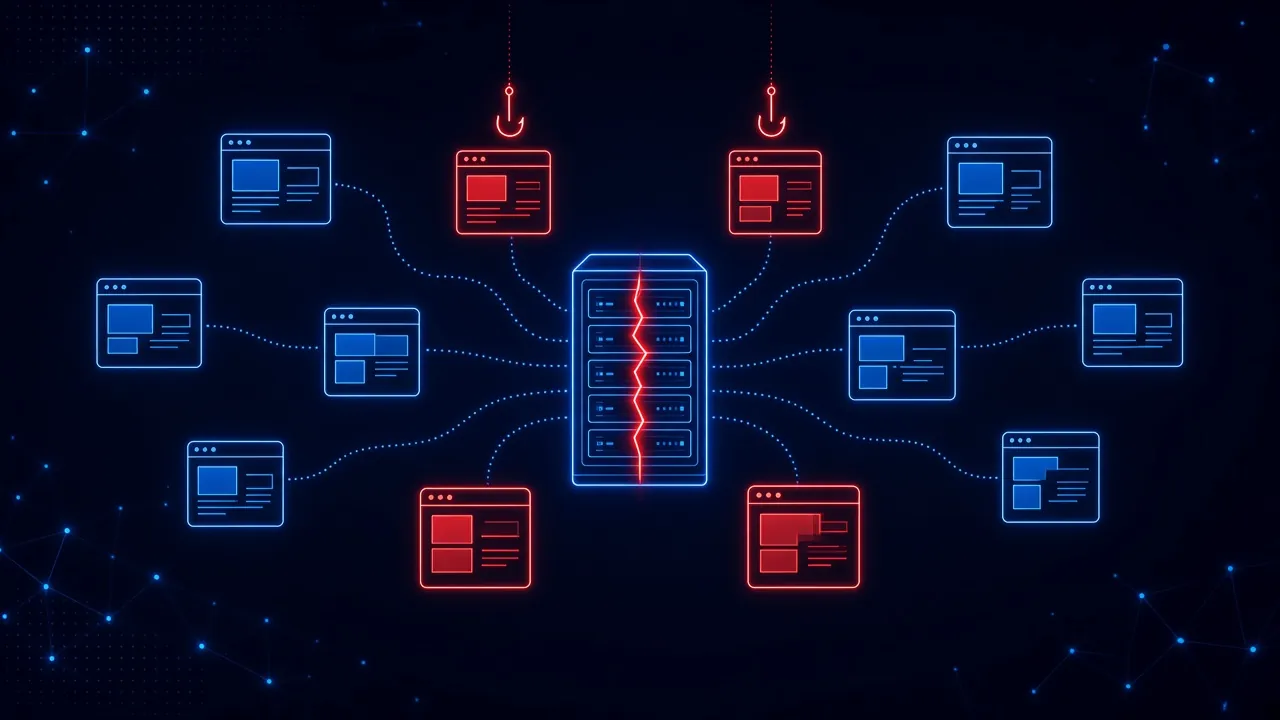
On October 21, PHP shipped emergency fixes for PHP2Shell, a pair of critical flaws in the software behind about 70 percent of websites. As we covered in our PHP2Shell breakdown, attack attempts had already started four days before the patch, about 1.57 million of 1.58 million exposed servers were still unpatched on day one, and roughly 758,000 run old PHP versions that will never get a fix.
The verdict: updating is still the right habit, but the window to do it has collapsed. Researchers used AI to turn a decade-old flaw into a working attack, and the same kind of AI is making it faster for attackers to turn a published patch into an exploit. For organizations, that means internet-facing systems get patched in hours, not on a monthly cycle. For everyone else, it means a familiar website can be compromised by the time you visit it, and the page in front of you may not be what its owner intended.
What Did Cybersecurity Awareness Month 2026 Teach Us?
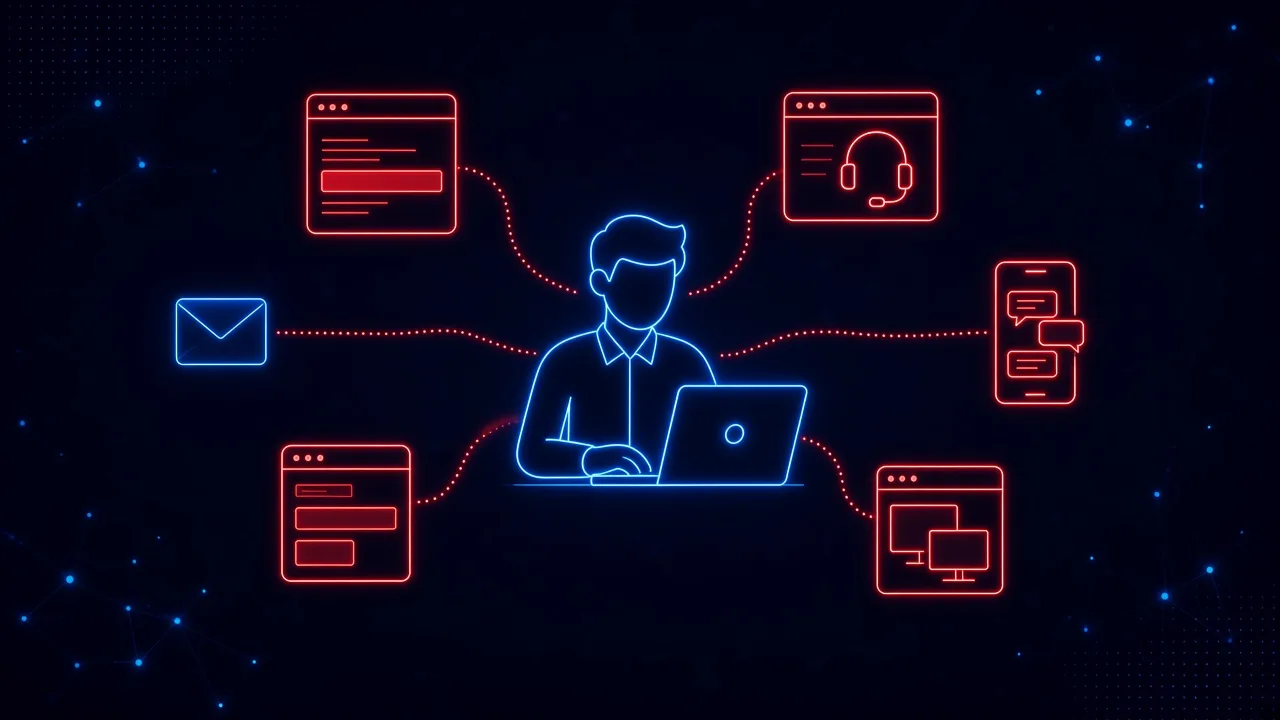
Put the month’s stories side by side and three lessons stand out.
1. Attackers design around each habit
None of these attacks beat the habits by being cleverer than the advice. They worked around it. MFA codes were phished along with passwords. Credentials were requested by someone who seemed trusted. Scams carried real details. Patches arrived after the attacks began. The habits are the floor, not the ceiling.
2. Most of the action happened outside the inbox
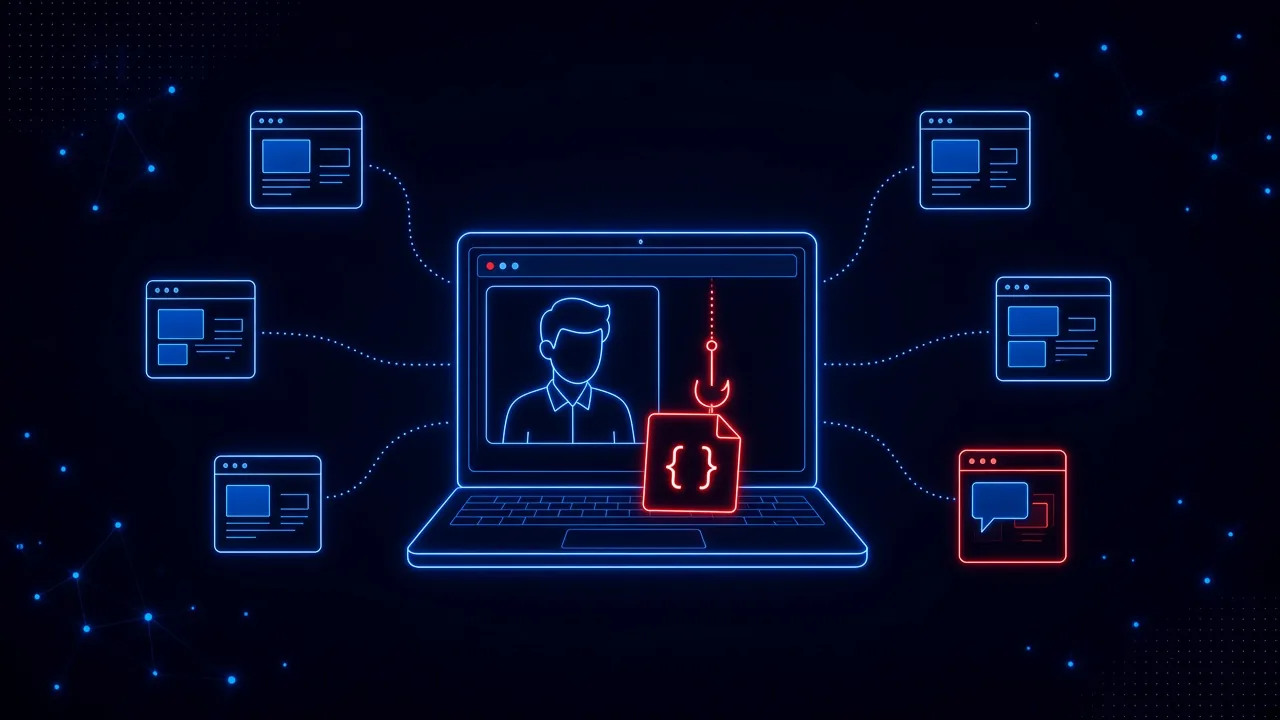
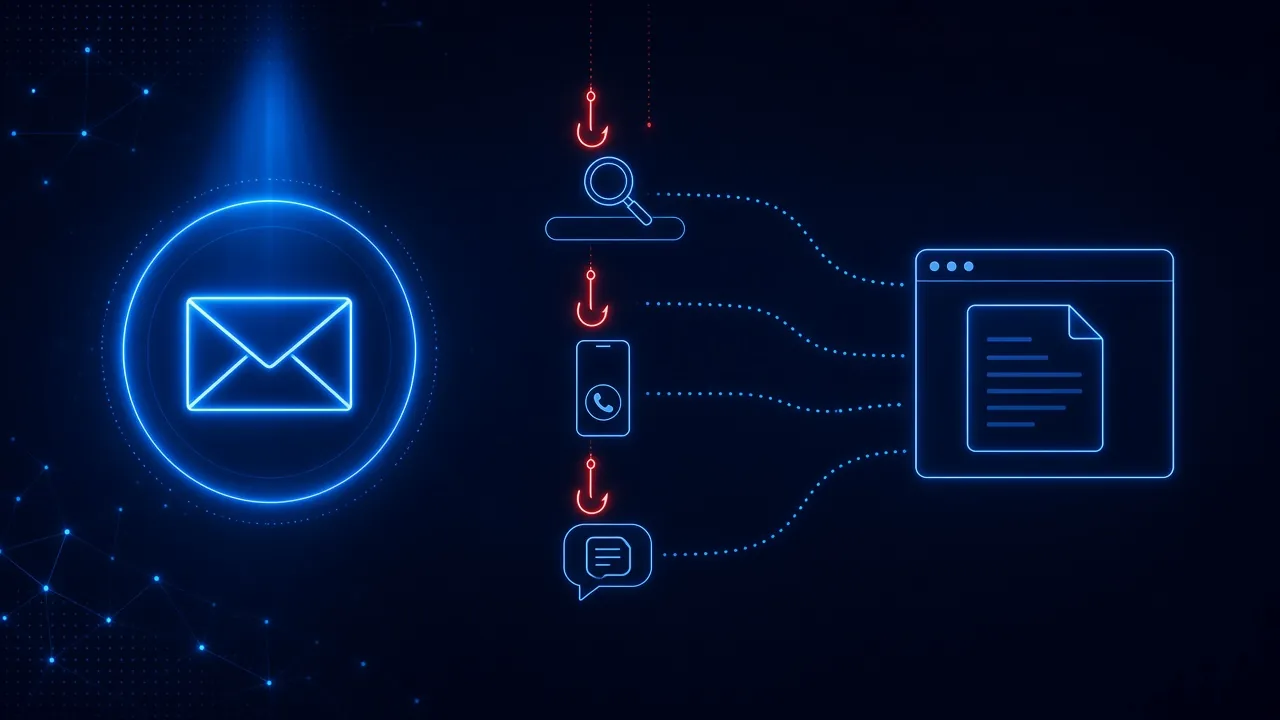
Look at where these attacks reached people: a sponsored search result, a Teams chat and call, a remote-control session, text messages and WhatsApp, a fake sign-in page, and trusted websites at risk of being hacked. Email still matters. The RMS scam used it too. But an awareness program that only tests the inbox would have prepared people for a small slice of what October actually looked like. We made this case earlier in the month in Your Awareness Program Tests the Inbox. What About Everywhere Else?
3. Everything got faster
Less than fifteen minutes from a Teams chat to malicious code. A stolen password and MFA code used by an automated kit the moment they were typed. Attacks underway days before a patch existed. A once-a-year module can’t keep pace with that. Awareness has to show up in the moment the decision happens, and protection has to be there when it doesn’t.
What Should You Keep Doing After October?
Awareness Month is a good excuse to start things, but none of this ends when the month does. Here is what to keep doing in November, next spring, and every month after:
- Upgrade MFA where it matters most. Move admins and anyone with cloud, billing, or finance access to passkeys or hardware security keys.
- Roll out a password manager, and teach the warning sign. If it won’t fill your password, stop and check the address. Don’t type it by hand.
- Tell people how IT will actually contact them. Make it a rule that nobody grants remote access to someone who reached out first, no matter what the display name says.
- Close the doors attackers are using. Arctic Wolf recommends limiting external Teams chats to specific partner domains and restricting Quick Assist and other remote access tools to authorized IT staff.
- Treat payment and verification requests as a phone call moment. Even when every detail is right, contact the company using a number or website you already trust.
- Patch internet-facing systems in hours. And find the servers that can’t be patched at all.
- Keep practicing every month. Short, realistic practice beats one big push in October. Our plan for making Awareness Month last all year lays out how.
Attackers Don’t Take the Other Eleven Months Off
The National Cybersecurity Alliance had it right: security isn’t one perfect decision. It’s the small moments. October showed what those moments look like in 2026. A search result that looks official. A coworker-sounding name in Teams. A text that knows your booking number. A login page that asks you to sign in twice.
None of those moments happen in a training module, and very few of them arrive by email. They happen in the browser and the apps where work actually gets done.
And they don’t stop on November 1. The campaign ends, the posters come down, and the attackers keep going, every day, at the speed October showed us. Security awareness can’t be a month on the calendar. It has to be continuous, built into the moments where people make decisions, all year long. Don’t make it easy for them in October. Or in any month after.
How SavvyShield helps: SavvyShield brings security awareness to the moments October’s attacks targeted. Our browser extension checks links before they open and steps in when an employee reaches a fake sign-in page, a malicious ad, or a fake verification lure, with a short explanation of what gave it away. Realistic simulations run in the browser as well as the inbox, so your team practices the situations they actually face, and bite-sized training keeps going long after October ends. Want a quick read on where your team stands? Try our free cyber savviness quiz.