For schools and colleges
Phishing Protection for Schools and Colleges
Schools and colleges are among the most targeted organizations, and most attacks start with a person. SavvyShield protects faculty and staff at the moment a fake sign-in page or an “IT support” call tries to get their credentials, with no security team required.

- Stops credential relaysSteps in on fake sign-in pages that defeat codes and push approvals.
- Works on ChromebooksDeploys to managed Chrome through Google Admin Console.
- All year, automaticallySimulations and lessons keep running without a security team.
The risk
Why Schools and Colleges Are Easy Targets
Clever’s Cybersecure 2026 report found that 52 percent of U.S. school districts had a cybersecurity incident in 2025, and phishing through emails, texts, and calls accounted for 74 percent of reported district incidents. Sophos found that identity-based techniques, such as phishing and stolen credentials, started 85 percent of ransomware attacks on education providers.
Schools hold Social Security numbers, payroll and financial aid records, and health information, usually with one or two IT staff covering everything.
How it happens
Why Multifactor Authentication Alone Is Not Enough
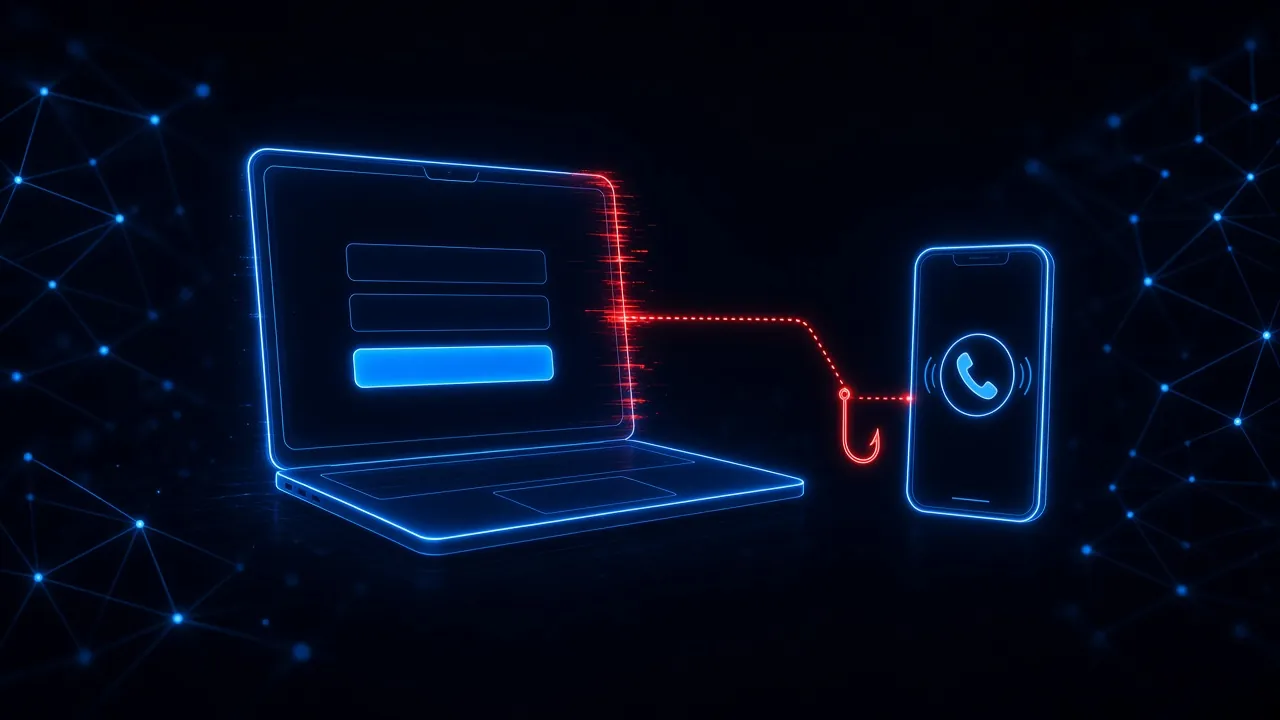
Sophos found that 98 percent of education providers hit through compromised credentials had some form of multifactor authentication turned on. Attackers get around it with fake sign-in pages that relay codes in real time, push requests people approve without thinking, and phone calls from “IT support.”
The common thread is a moment in the browser: a sign-in page, an approval, or a download. That is where SavvyShield steps in.
How SavvyShield helps
Protection for Faculty and Staff
- Real-time protection. The browser extension checks links as they open and steps in on fake sign-in pages for email, learning platforms, and student information systems.
- Deploys on managed Chrome. IT can push it to staff browsers, including Chromebooks, through Google Admin Console, or through Microsoft Intune.
- Practice that matches the calendar. Simulations in email and the browser keep running all year, not just in October, with short lessons after every miss.
- Runs without a security team. Simulations and training are automated, so a small IT department is not stuck building campaigns.
Explore the platform
One loop, four ways to cut human risk
Protection catches real threats, simulations test, lessons teach, and measurement shows what changed. Each part makes the next one smarter.
- Defense in real timeBlocks risky actionsSpots social engineering as it happens and steps in before the click becomes an incident.
- Short micro lessonsTrains in the momentA two-minute lesson lands right after a risky moment, tied to exactly what happened.
- Adaptive by designLearns your weak spotsAI maps where each person is exposed and aims realistic simulations right there.
- Zero workloadAutomates everythingNo campaigns, scheduling, or content calendar. Your team gets the results without the work.