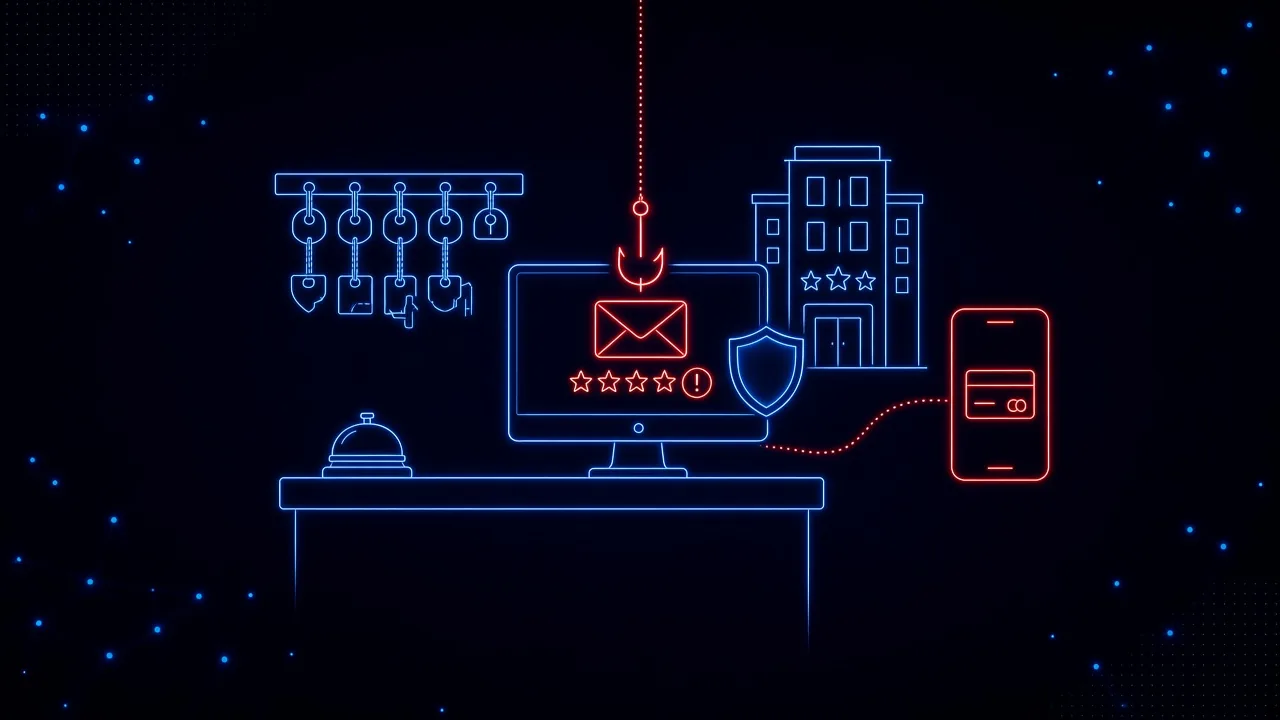
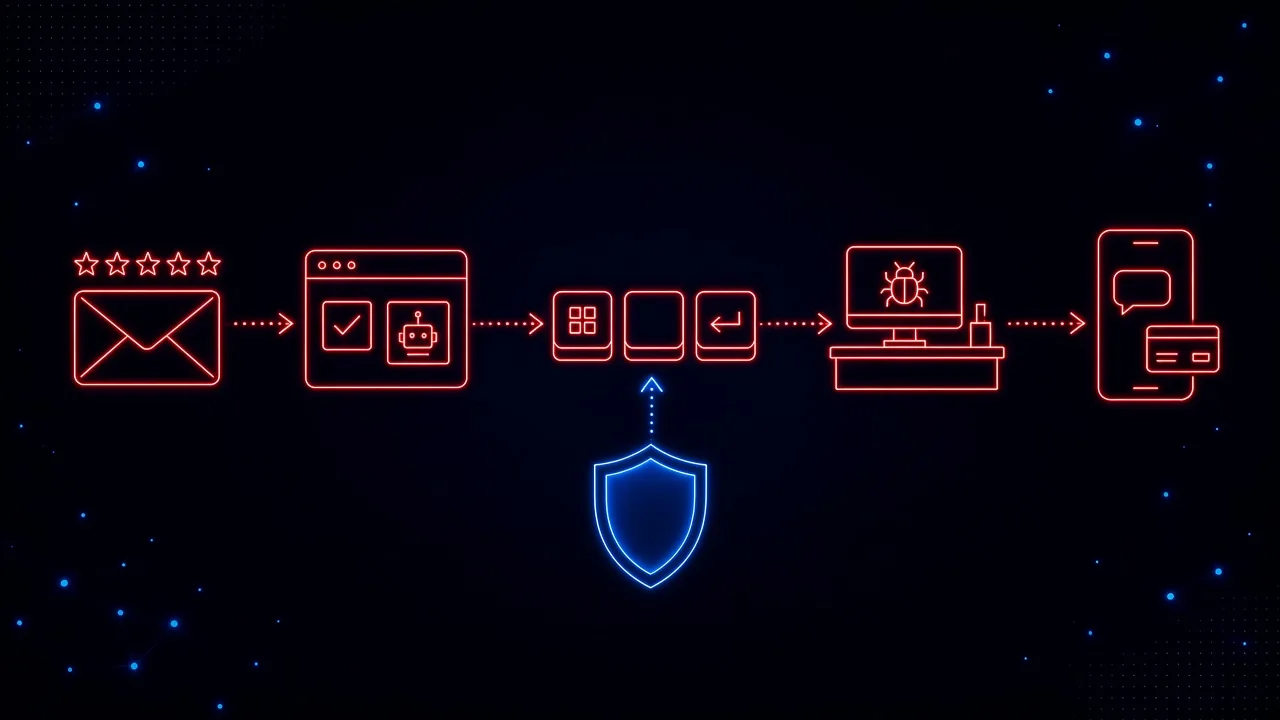
It’s 11:40 p.m. on a Tuesday in December, and Dana is alone at the front desk. Between a late check-in and a noise complaint, an email lands in the reservations inbox: “New guest message about reservation – Tracking code: 4471902.” It has the Booking.com look she sees fifty times a day. A guest arriving Friday wants to know if the room is accessible.
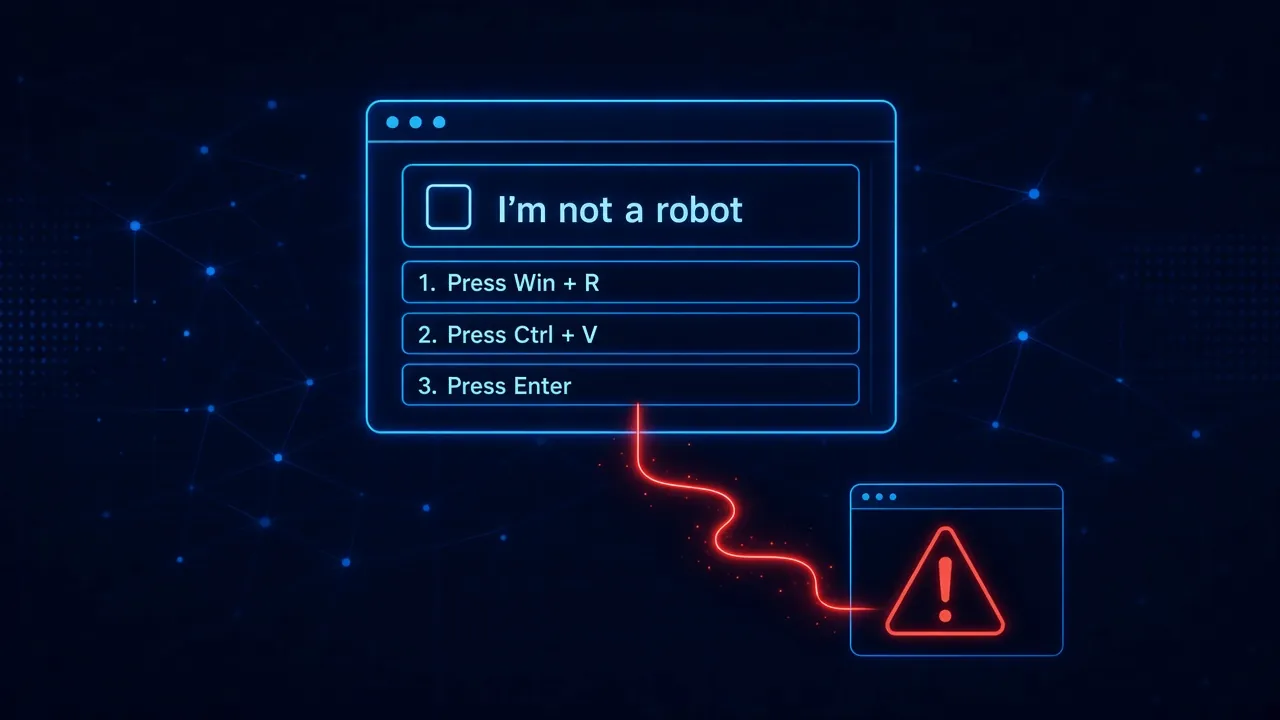
She clicks View guest message. A Booking.com page starts to load behind a quick check: tick the box to prove you’re human, then press Windows+R, Ctrl+V and Enter. She does. A small window flashes and disappears, the page never finishes loading, and she makes a note to look at it in the morning.
Nothing else happens that night. But a remote access program is now running on the front-desk PC, and it has her extranet login. Soon the hotel’s Booking.com account is being used by someone else.
Two weeks later, a guest named Ms. Ellis gets a WhatsApp message with her real reservation number, dates and room type. There was a problem verifying her card, it says; confirm it or the booking will be cancelled. She pays. At checkout she pays again, this time to the hotel. Her complaint to the manager has the subject line “I paid twice.”
Dana and Ms. Ellis are made up. Every step of their story comes from attacks Microsoft and Sekoia.io documented against real hotels between December 2024 and October 2025, including that subject line.
One click at the front desk can cost a hotel its systems, its booking accounts and its guests’ trust. Generic phishing training doesn’t cover this. These attacks use real booking platforms, real guest details and the daily pressure of the front desk.
What Have Researchers Found?
In March 2025, Microsoft reported (https://www.microsoft.com/en-us/security/blog/2025/03/13/phishing-campaign-impersonates-booking-com-delivers-a-suite-of-credential-stealing-malware/) that a group it tracks as Storm-1865 had been emailing hospitality organizations in North America, Europe, Oceania and Asia as Booking.com since December 2024, in the run-up to some of the busiest travel days of the year. The emails were about negative reviews, guest requests and account verification. The links led to fake Booking.com pages running the ClickFix trick, which installed malware built to steal credentials and financial data.
In November 2025, Sekoia.io described (https://blog.sekoia.io/phishing-campaigns-i-paid-twice-targeting-booking-com-hotels-and-customers/) the next step. Attackers infected hotel computers with the PureRAT remote access trojan, took staff logins for Booking.com, Expedia and Airbnb, and then contacted the hotels’ guests by email or WhatsApp with real booking details and a story about a payment problem. Sekoia named the report after a defrauded guest’s email, “I paid twice,” and concluded he had paid once at the hotel and once to the criminals.
In April 2026, Booking.com began notifying customers (https://www.malwarebytes.com/blog/data-breaches/2026/04/booking-com-breach-gives-scammers-what-they-need-to-target-guests) that unauthorized third parties had accessed reservation data, including names, email and home addresses, phone numbers and booking details. Malwarebytes reports that the access appears to have come through compromised hotel partners. That is everything a scammer needs to pass as the hotel.
What Scams Are Hitting Hotels Now?
| Scam | How it reaches staff | What the attacker wants | The tell |
|---|---|---|---|
| Fake Booking.com message | Email about a bad review, a guest request or “verify your account,” with a link or PDF | Hotel staff to click through to a lookalike Booking.com page | A real-looking platform message pushing you to act fast through a link |
| ClickFix “verify you’re human” page | The page behind that link shows a fake CAPTCHA | Staff to press Win+R, Ctrl+V, Enter, which runs malware (XWorm, PureRAT and others) that steals logins | Any “verification” that asks for keyboard shortcuts |
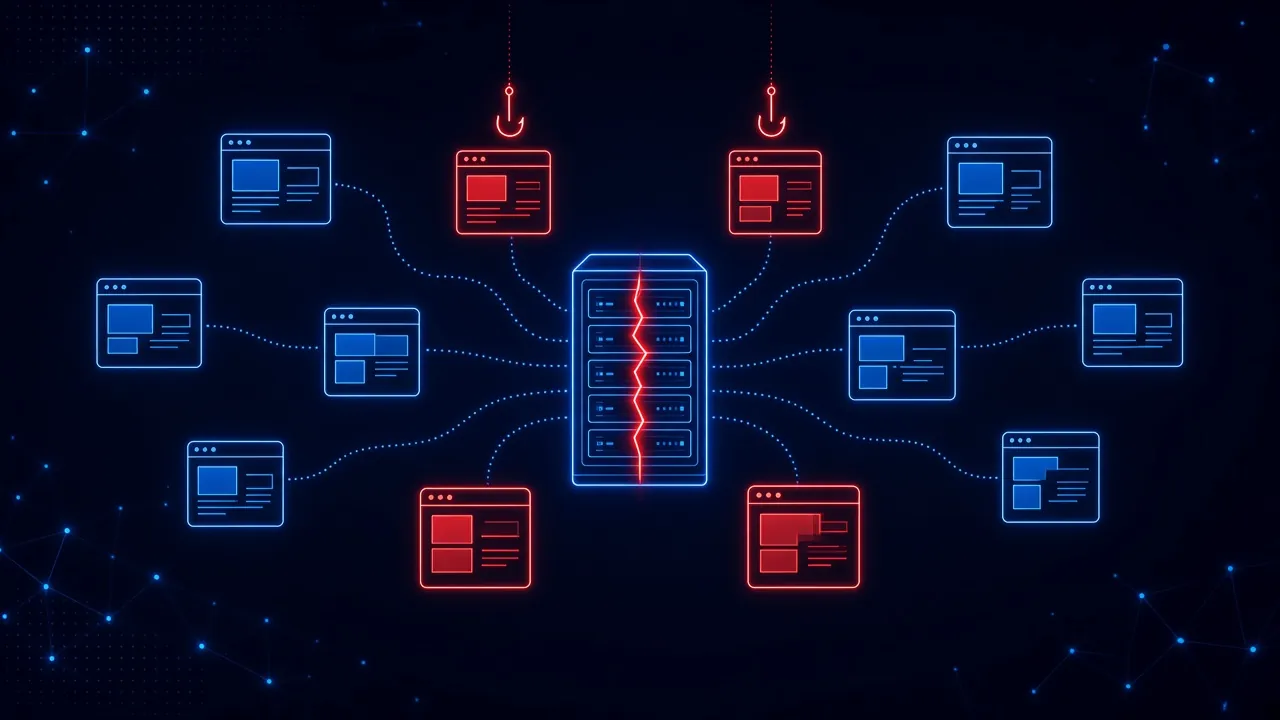
| Hijacked booking account | Attackers use stolen Booking.com, Airbnb or Expedia partner logins | To message real guests with real booking details, asking them to “re-verify” payment | Guests getting payment requests the hotel never sent; in one case a guest paid twice |
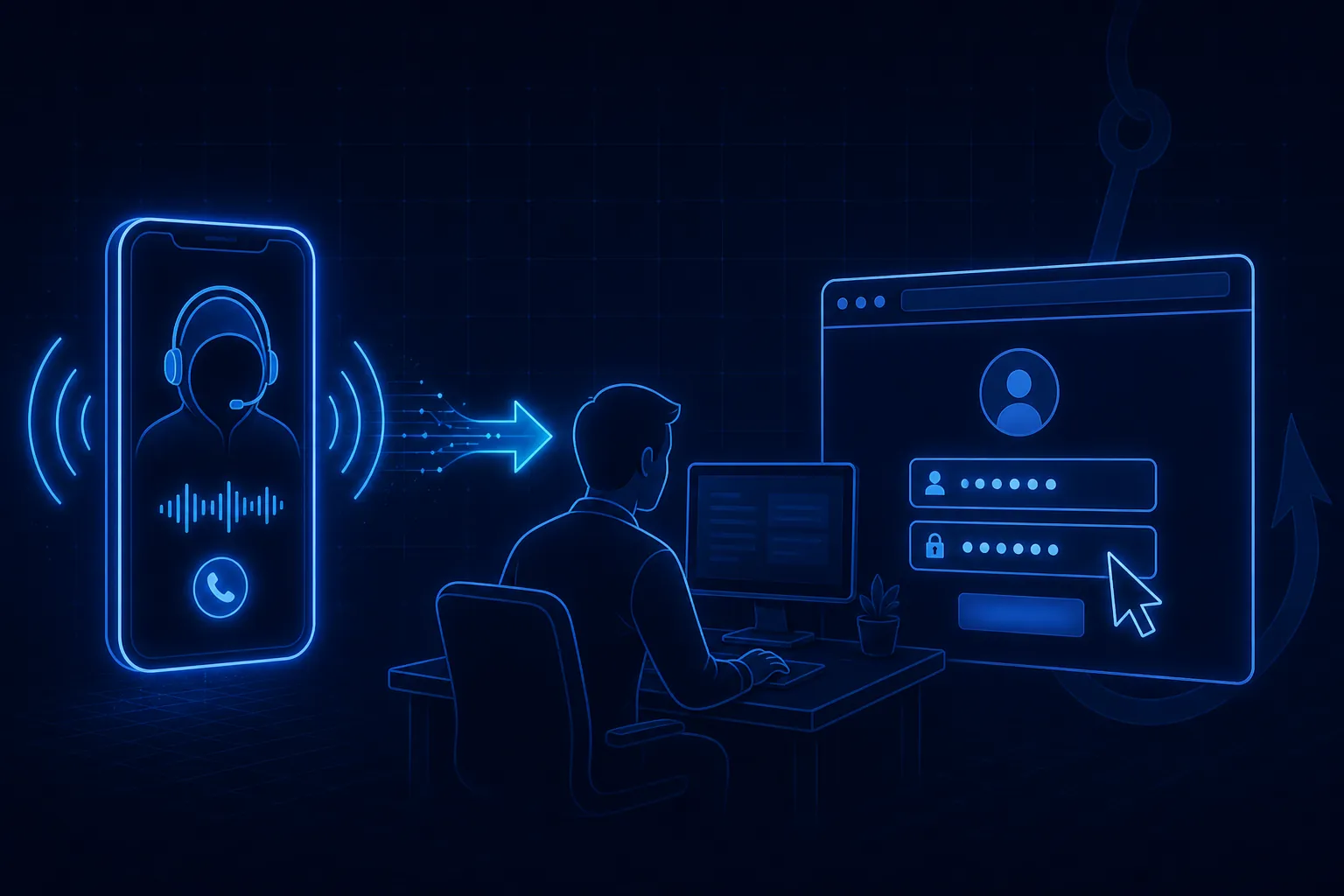
| Front-desk vishing | Phone call from “IT” fixing a reservation glitch, or a “manager,” sometimes an AI-cloned voice | Logins or system access | Urgency, authority and a request to skip normal verification |
| Guest-info pretexting | A walk-in or caller posing as a guest | A copy of a receipt or billing details without proper ID | Can’t confirm booking details but pushes anyway |
The phone and walk-in scams come from the Retail & Hospitality ISAC (https://www.hospitalitynet.org/opinion/4130092.html), whose president warns that the service-first culture of the front desk is exactly what these callers exploit.
What Does the Attack Look Like on the Front-Desk Screen?
The first three scams in the table are one attack in three stages. Here is what the first two look like to the person at the desk, with the giveaways marked.
You have a new message from a guest about an upcoming stay.
“Hi, we arrive Friday and my mother uses a wheelchair. Can you confirm the room is accessible? I put photos of what we need in the message.”
Please reply within 24 hours to avoid an impact on your property’s ranking.
- The address behind the name isn’t Booking.com. Sekoia found these emails coming from real, hacked company mailboxes, so they pass basic spam checks. The display name says Booking.com; the address doesn’t.
- The button doesn’t go to the extranet. Hover over it and the link points to a lookalike with “admin” and “extranet” in the name. The real extranet is admin.booking.com, and you should reach it from a bookmark.
- The deadline. A reason to act before thinking is the hook in almost every version.
Verification steps
- Press ⊞ Windows + R
- Press Ctrl + V
- Press Enter
- Ticking the box copied a command. The page put the attacker’s command on the clipboard the moment the box was clicked.
- No real CAPTCHA asks for the keyboard. Win+R opens the Windows Run box, Ctrl+V pastes that command and Enter runs it. A small window may flash; the malware installs in the background.
- The Booking.com page behind the box is set dressing. Microsoft notes it gives the illusion that Booking.com added an extra security check, which makes people more willing to follow the steps.
Why Does It Work on Hotel Staff?
None of this depends on careless employees. It depends on staff doing their jobs well.
- Answering guests is the job. A message about an accessible room or a bad review isn’t something a good front-desk agent ignores. The lures are chosen because the helpful response and the dangerous one are the same click.
- The sender is real. Sekoia found most of the emails came from legitimate, hacked company mailboxes, sometimes with the sender name changed to Booking.com. Advice to “check the sender” doesn’t help much when the address is a real business.
- The page looks like the back office. The fake sites used addresses with “admin” and “extranet” in them and Booking.com branding, so they look like the hotel’s own partner portal. The CAPTCHA reads as a security step, not a threat.
- The keyboard steps mean nothing to most people. Win+R, Ctrl+V and Enter look like a strange verification ritual, not “run a program from a stranger.” Nothing visible happens afterward, so nobody reports it.
- The timing is chosen. Microsoft saw the campaign start ahead of the holiday travel rush, when inboxes are fullest. Overnight, there’s often one person on the desk and nobody to ask.
What Happens to a Stolen Booking Account?
Once the malware is on the front-desk PC, the hotel’s accounts become inventory. Sekoia found Booking.com extranet logins and login cookies for sale on criminal forums:
- $5 to $5,000 each for good-quality accounts, and as little as $0.20 in bulk. Accounts that manage several properties with many active reservations are offered for thousands.
- Buyers price accounts by what they can steal, asking for the region, number of properties and number of live reservations before they pay.
- One buyer, “moderator_booking,” claimed to work with a team that had earned more than $20 million this way, and in 2025 started buying Expedia, Airbnb and Agoda accounts too.
- Even the hotels’ contact lists are for sale, so attackers know which reservations inbox to target before the first email goes out.
PureRAT, the malware in Sekoia’s case, also goes after saved passwords, password managers and two-factor authenticator apps on the infected PC. A front-desk computer that stays signed in to everything all day gives it a lot to take.
What Does the Guest See?
The guest is where the money comes from, and it’s the hotel’s name on the message.
Hello Ms. Ellis, this is Harbourview Suites about your reservation 4471902 for Dec 12–15, Deluxe King, 2 guests.
During verification of your banking details a security issue occurred, and your booking may be cancelled. This is a Booking.com procedure to protect guests against cancellations.
Please confirm your card within 24 hours:
confirmation4471-booking.com/verify
- Every detail is real. The name, dates, room and reservation number come from the hotel’s own hijacked account, which is why guests believe it.
- A payment “security issue” and a cancellation threat. Sekoia saw exactly this story, including the claim that it was a Booking.com procedure.
- The link isn’t booking.com. Anything-dash-booking.com is a different website. Sekoia found hundreds of these.
This isn’t new, and it isn’t small. The UK’s Action Fraud received 532 reports of Booking.com scams like this between June 2023 and September 2024, with victims losing about £370,000, according to Malwarebytes (https://www.malwarebytes.com/blog/data-breaches/2026/04/booking-com-breach-gives-scammers-what-they-need-to-target-guests). In 2018, scammers ran a phone phishing campaign against 40 hotels in the United Arab Emirates and took data on more than 4,000 Booking.com customers, including card details for 300. The Dutch privacy regulator fined Booking.com €475,000 in 2021 for reporting that breach late.
Booking.com’s own advice to guests is a good rule to repeat: “If there is no pre-payment policy or deposit requirement outlined, but you’re asked to pay in advance to secure your booking, it is likely a scam.” Hotels can help by saying it first. One line in the confirmation email and at check-in, such as “We will never ask you to re-enter card details through a link, WhatsApp or text. If you get a message like that, call the front desk,” gives guests a reason to stop and a number to call.
Where Does SavvyShield Step In?
SavvyShield runs in the browser, at the moment a staff member is about to act. That’s where the fake message, the ClickFix page and the account takeover all have to succeed.
- Lookalike booking pages: it analyzes pages in real time and flags scam and impersonation sites, like a fake Booking.com extranet login, before staff enter a password.
- ClickFix pages: it spots the “press Win+R and paste” instructions and commands a page slips onto the clipboard, tells staff not to paste or run anything while it checks the page, and warns them if it’s a scam, before a fake CAPTCHA can get malware onto the front-desk PC.
- Account takeover: stopping the fake page and the malware keeps staff logins for Booking.com and Expedia out of attackers’ hands, and the guest fraud depends on those logins.
- Check and report: staff can right-click any link, page or message text they’re unsure about and choose Scan. Every catch shows up in the admin portal’s live detection log, with who hit it and whether they stopped, so whoever runs IT can warn the rest of the property.
Phone and in-person scams still need a short process, like calling back on a known number before giving access. SavvyShield covers the screen; good habits cover the phone. Many of those calls end with a link anyway, as we covered in Hackers Are Calling Employees.
What Rules Should Every Front Desk Follow?
Six rules short enough to tape next to the reception PC:
- Never run anything a web page tells you to. No real CAPTCHA or “verification” asks you to press Windows+R or paste anything.
- Open the extranet from a bookmark. Never sign in to Booking.com, Expedia or Airbnb from a link in an email or message, however real it looks.
- Hang up and call back. For “IT,” a “manager” or “Booking.com,” use a number you already have. Booking.com says it will never ask for your password or two-factor PIN, or ask you to install software or share a remote session.
- Guests prove who they are first. No receipts, folios or billing details without ID or booking details that match.
- Everyone gets their own login. Booking.com advises against shared extranet accounts and recommends two-factor authentication on every work account, including email.
- Speak up, even after a click. The person who reports a mistake in minutes saves the hotel days. Make sure nobody gets in trouble for it.
If someone already clicked
Speed matters more than certainty. These steps build on Booking.com’s guidance for partners (https://partner.booking.com/en-gb/help/legal-security/security/preventing-unauthorised-use-your-account), in the order that stops the most damage:
- Take the PC off the network (unplug the cable or turn off Wi-Fi) and stop using it until it has been scanned or reinstalled.
- From a different, clean device, reset the email password, then the Booking.com extranet password, then Expedia, Airbnb, the channel manager and the property management system. Resetting from the infected PC hands the new passwords to the attacker.
- Check the extranet for changes you didn’t make: contact details, user accounts, two-factor phone numbers, rates, availability and recent guest messages.
- Report it to Booking.com’s security team within 24 hours, with what happened and when, so it can protect the account and your guests.
- Warn guests with upcoming stays not to pay through any link or message, and to call the front desk if they get one.
Why Isn’t Annual Training Enough at the Front Desk?
Hotels, resorts, venues and restaurant groups run lean front desks with high turnover, shared PCs and constant guest messages. Annual awareness training rarely reaches the person on the night shift. In a survey cited by the Retail & Hospitality ISAC (https://www.hospitalitynet.org/opinion/4130092.html), 48 percent of hotel IT and security leaders said they aren’t confident their staff can reliably spot AI-driven attacks, and 26 percent said seasonal employees who don’t know the policies add to their risk. A browser-level layer closes that gap, because it’s there at the moment the fake message arrives, on every shift.
Next step: a 20-minute walkthrough of SavvyShield on these exact hotel scenarios. Contact Patrick Causey at patrick@savvyshield.com, or book a time at calendly.com/patrick-savvyshield.
Sources
- Phishing campaign impersonates Booking.com, delivers a suite of credential-stealing malware (Microsoft Threat Intelligence, March 2025), also covered by SecurityWeek
- Phishing campaigns “I Paid Twice” targeting Booking.com hotels and customers (Sekoia.io, November 2025), also covered by Infosecurity Magazine
- Booking.com breach gives scammers what they need to target guests (Malwarebytes, April 2026)
- Social engineering at the front desk: a growing threat for hotels (Hospitality Net, by the president of the Retail & Hospitality ISAC)
- Online security awareness: social engineering and Preventing unauthorised use of your accommodation partner account (Booking.com for Partners)